

Why an operation needs review
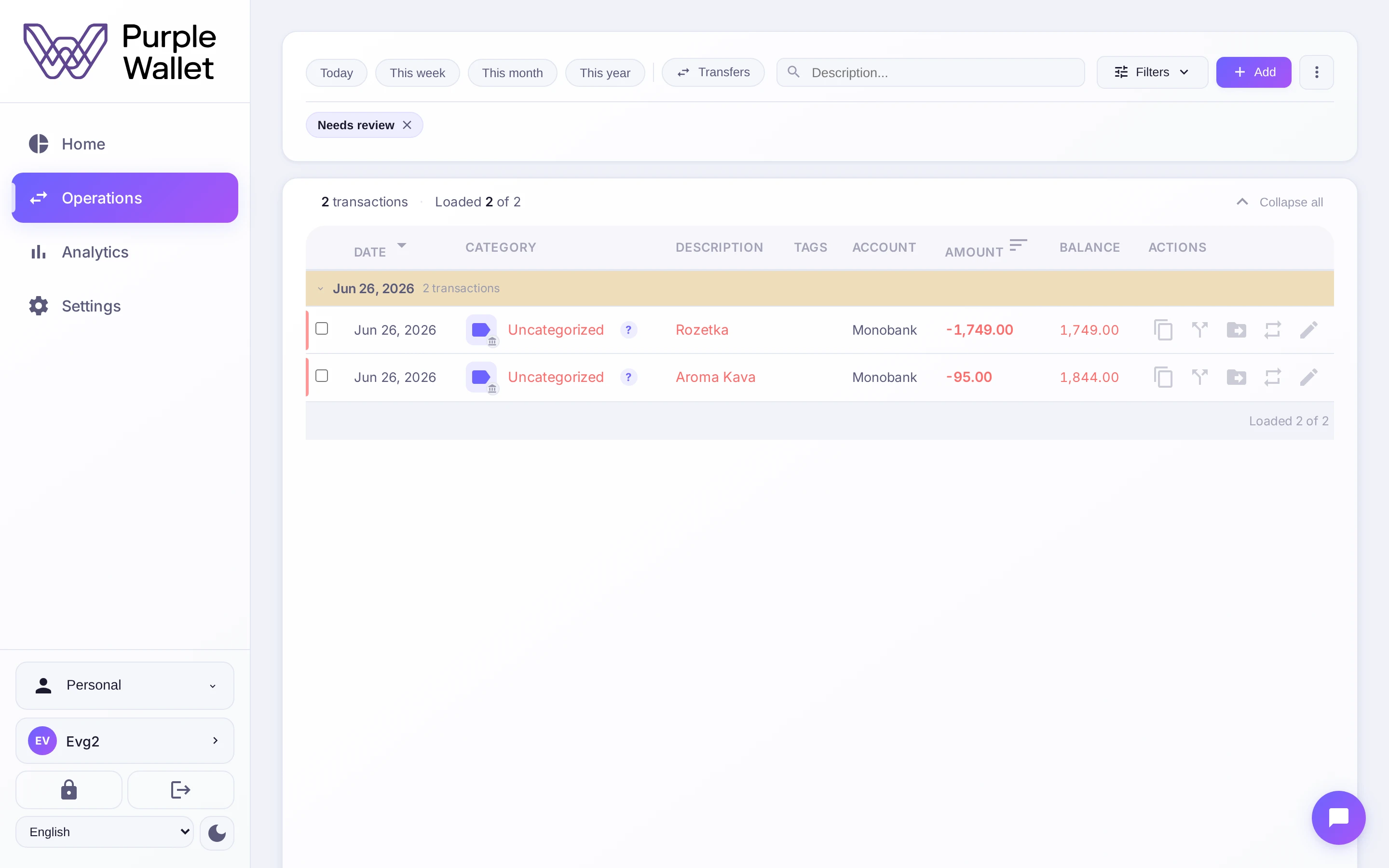
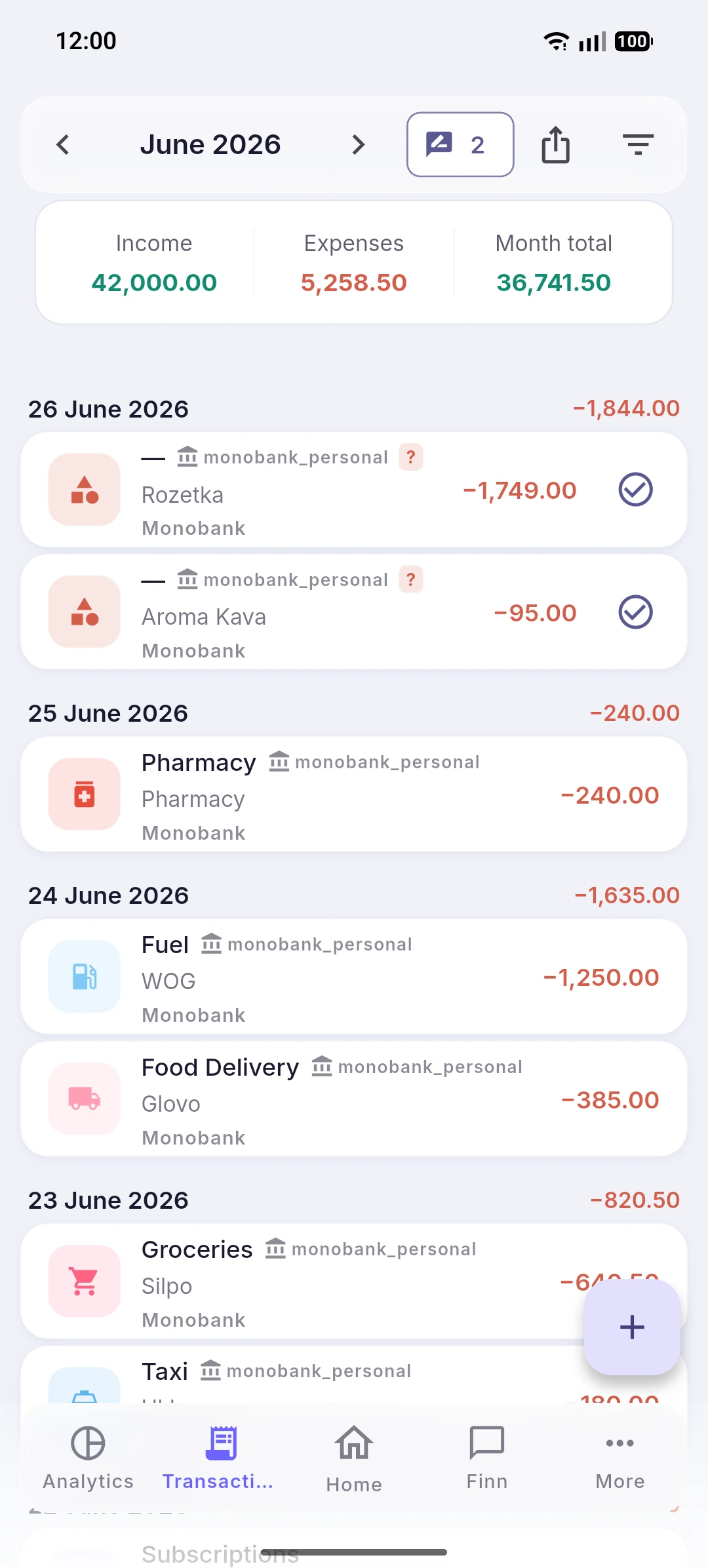
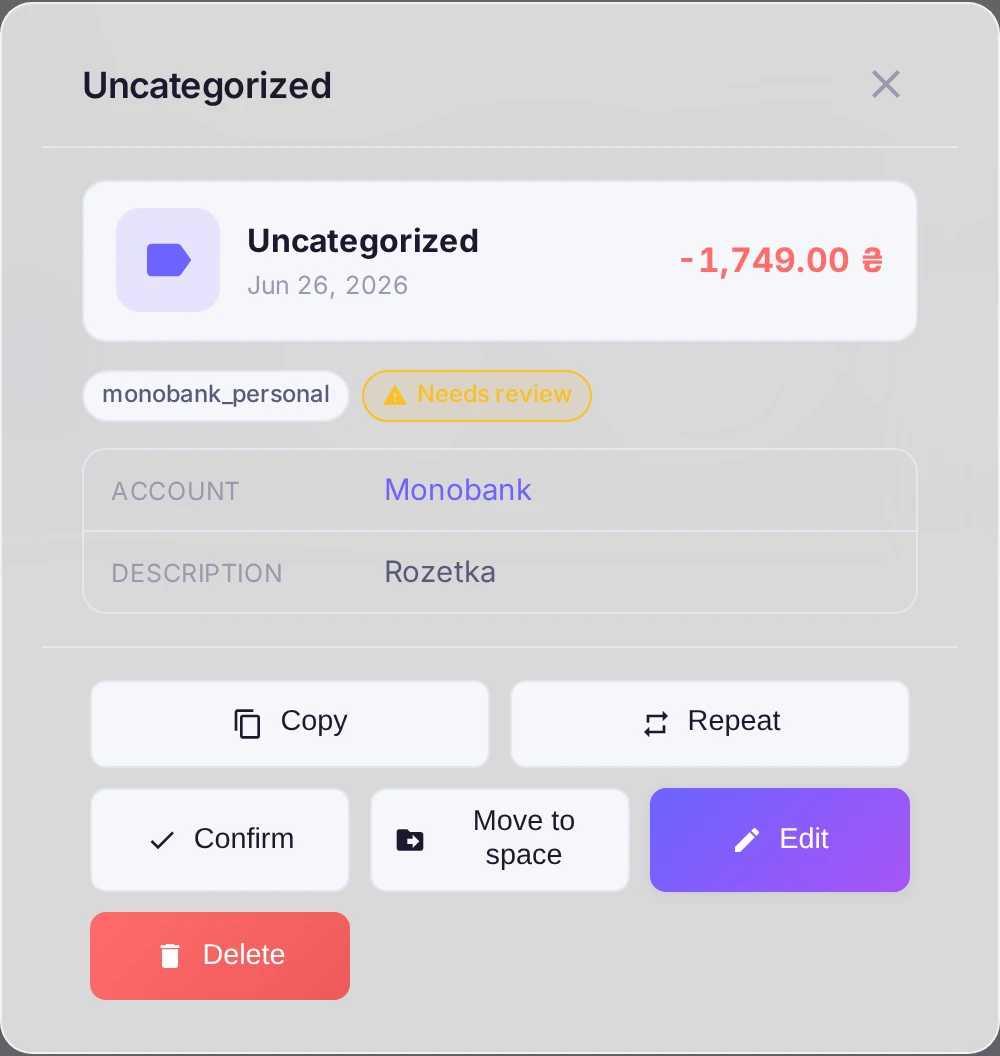
When the app can't confidently pick a category for an imported operation, it flags it Needs review. That's a signal it wants you to check it.
Find them
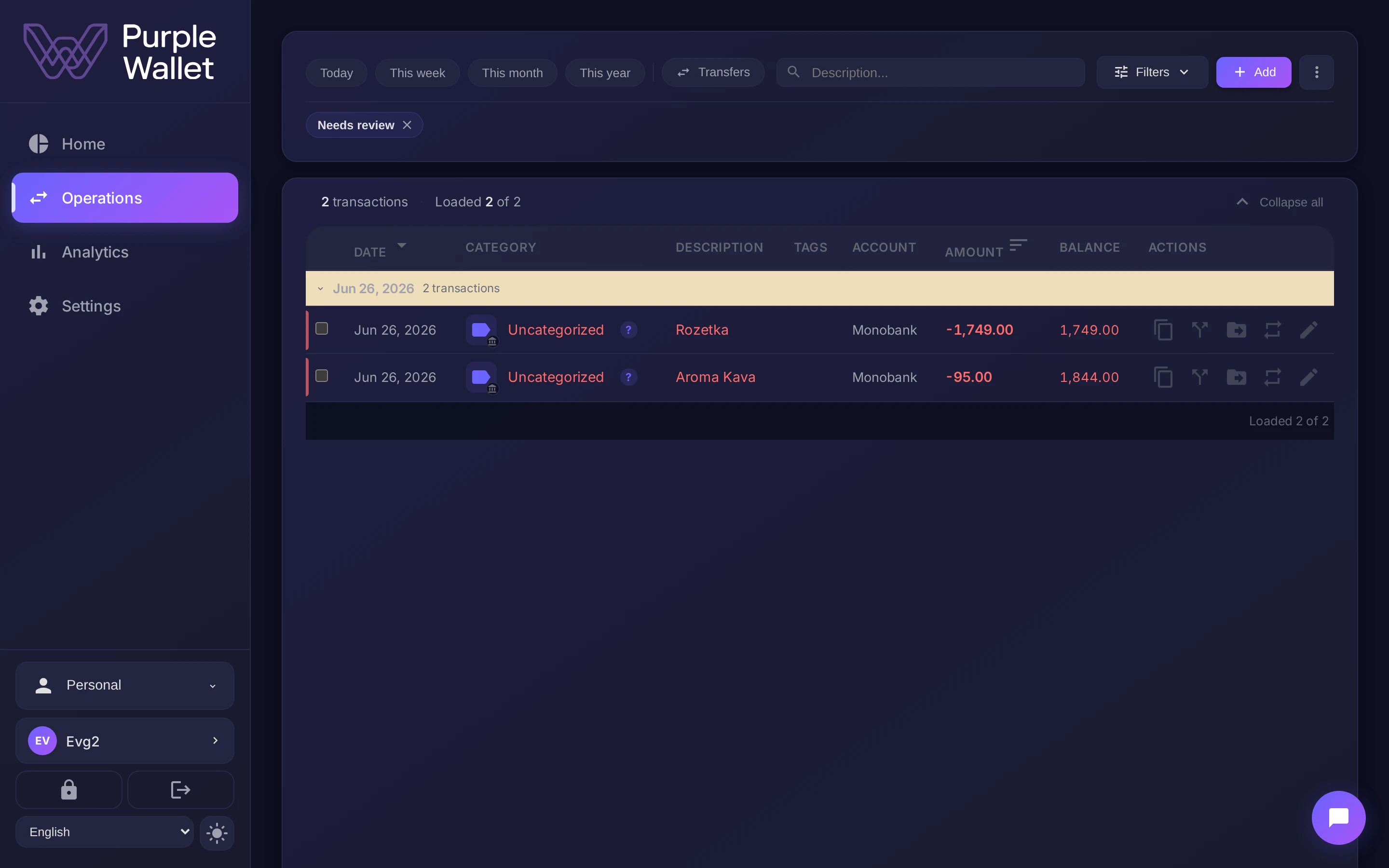
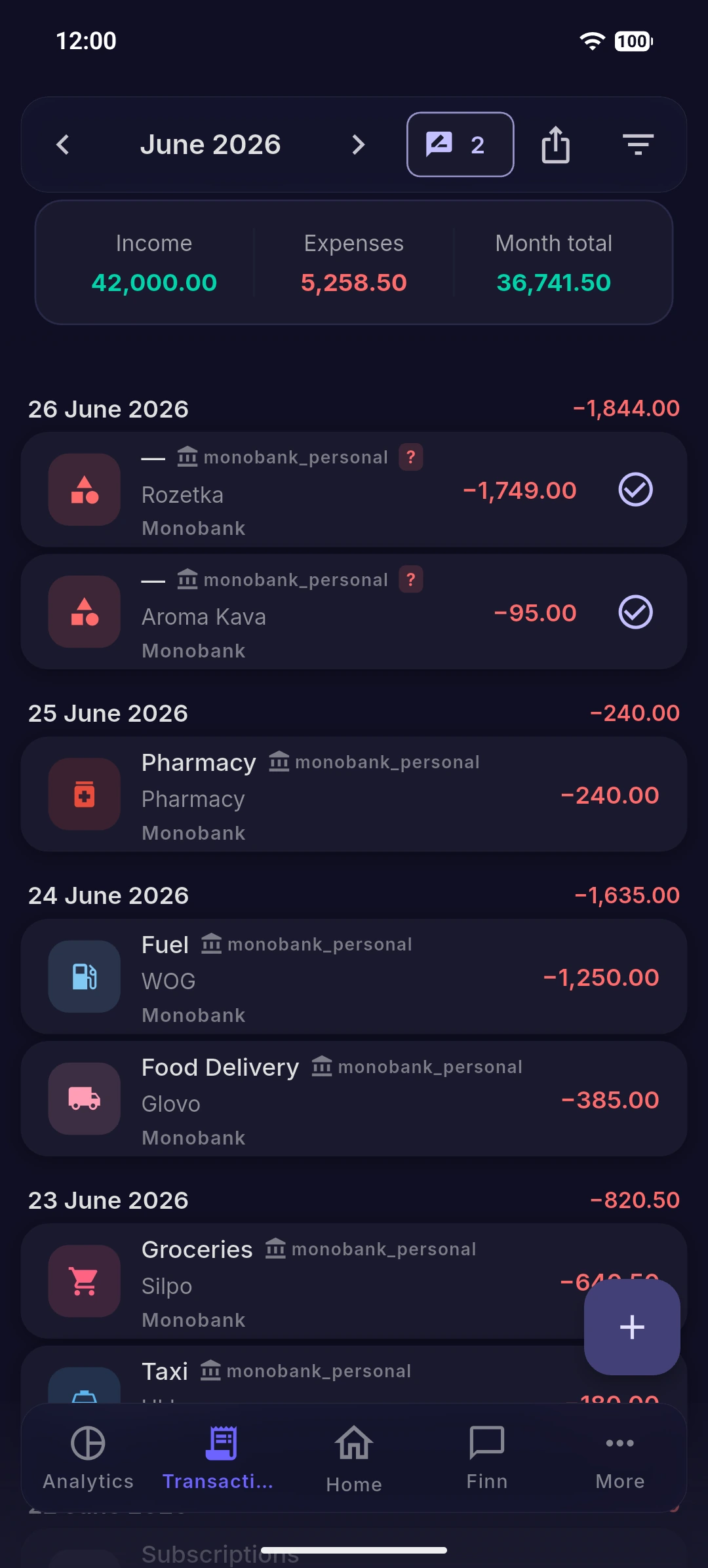
Open the Operations list and look for the Needs review badge. You can filter the list by it to see only the ones waiting for you.
Confirm or correct
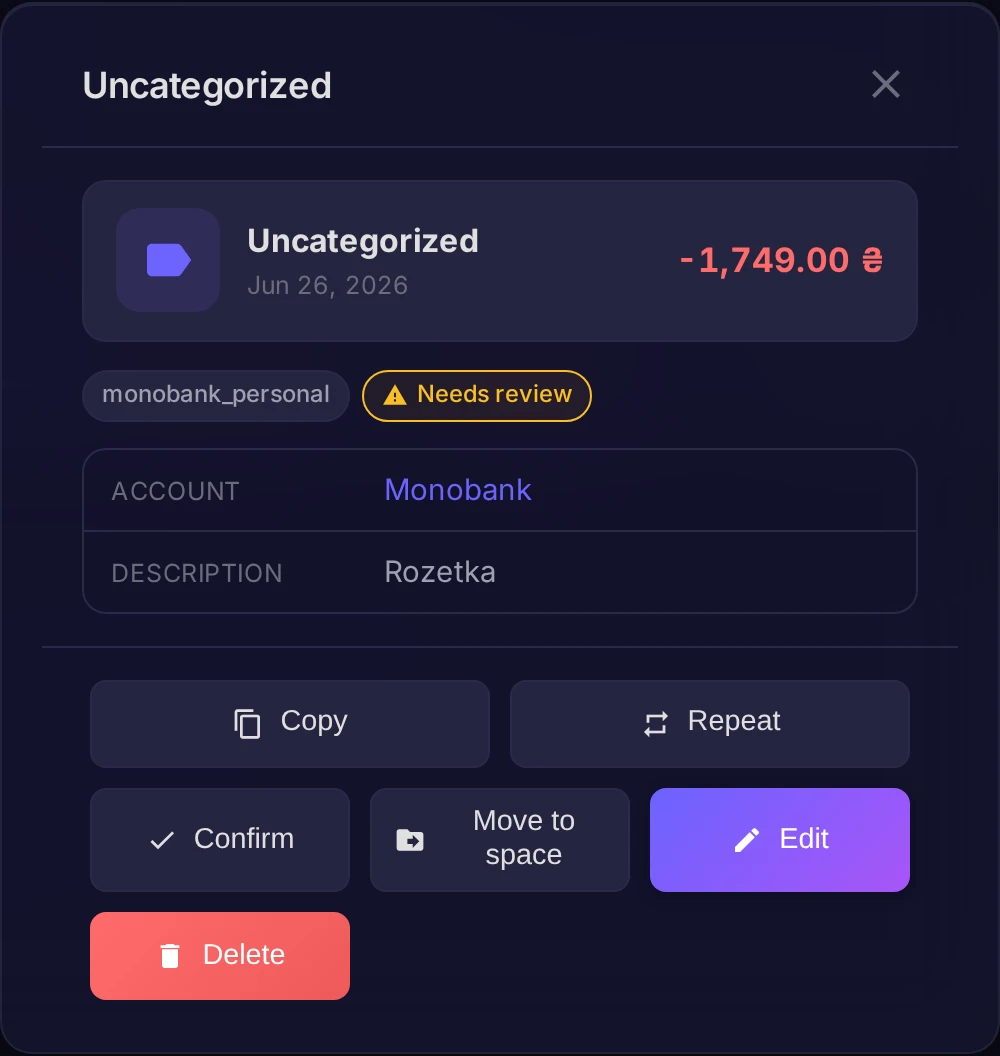
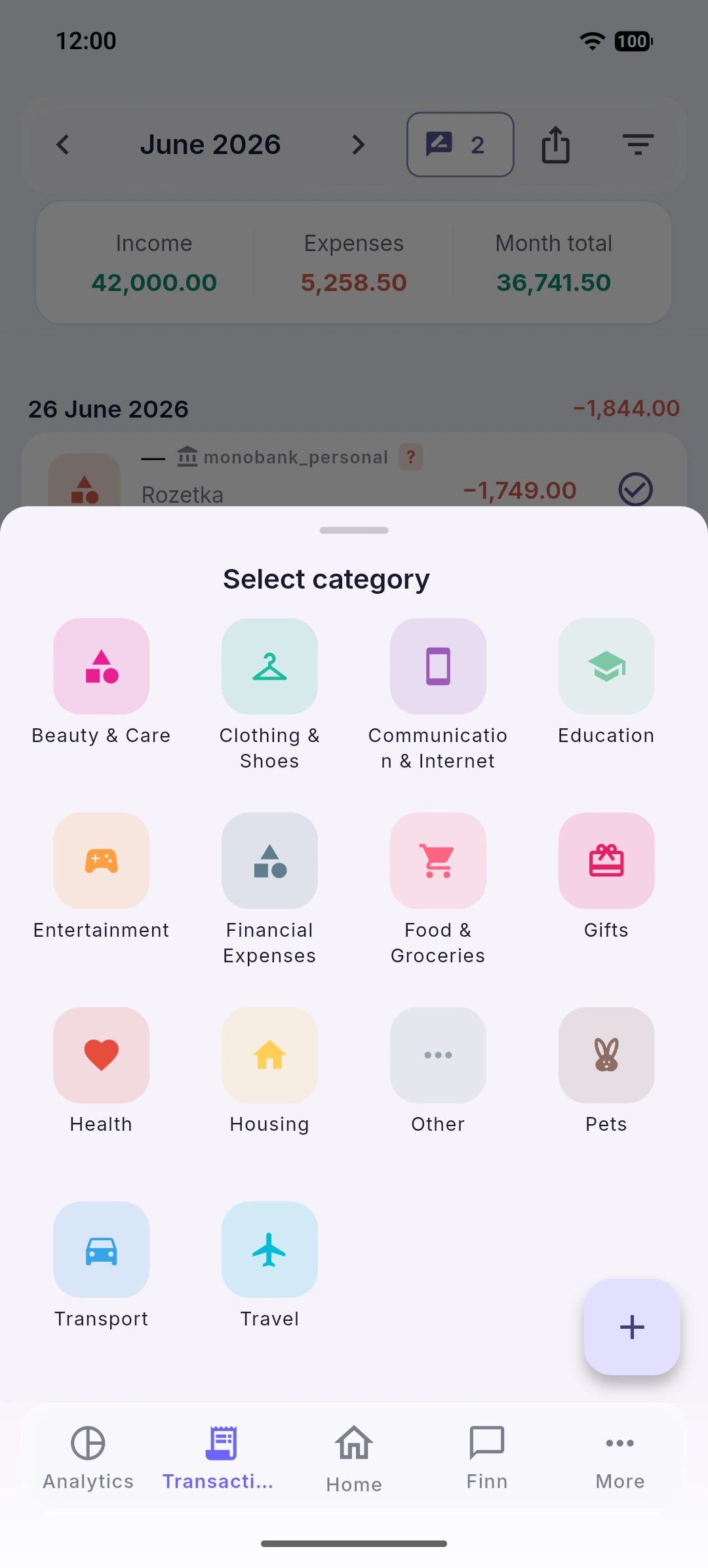
Open the operation and check the suggested category:
- If it's right, press Confirm.
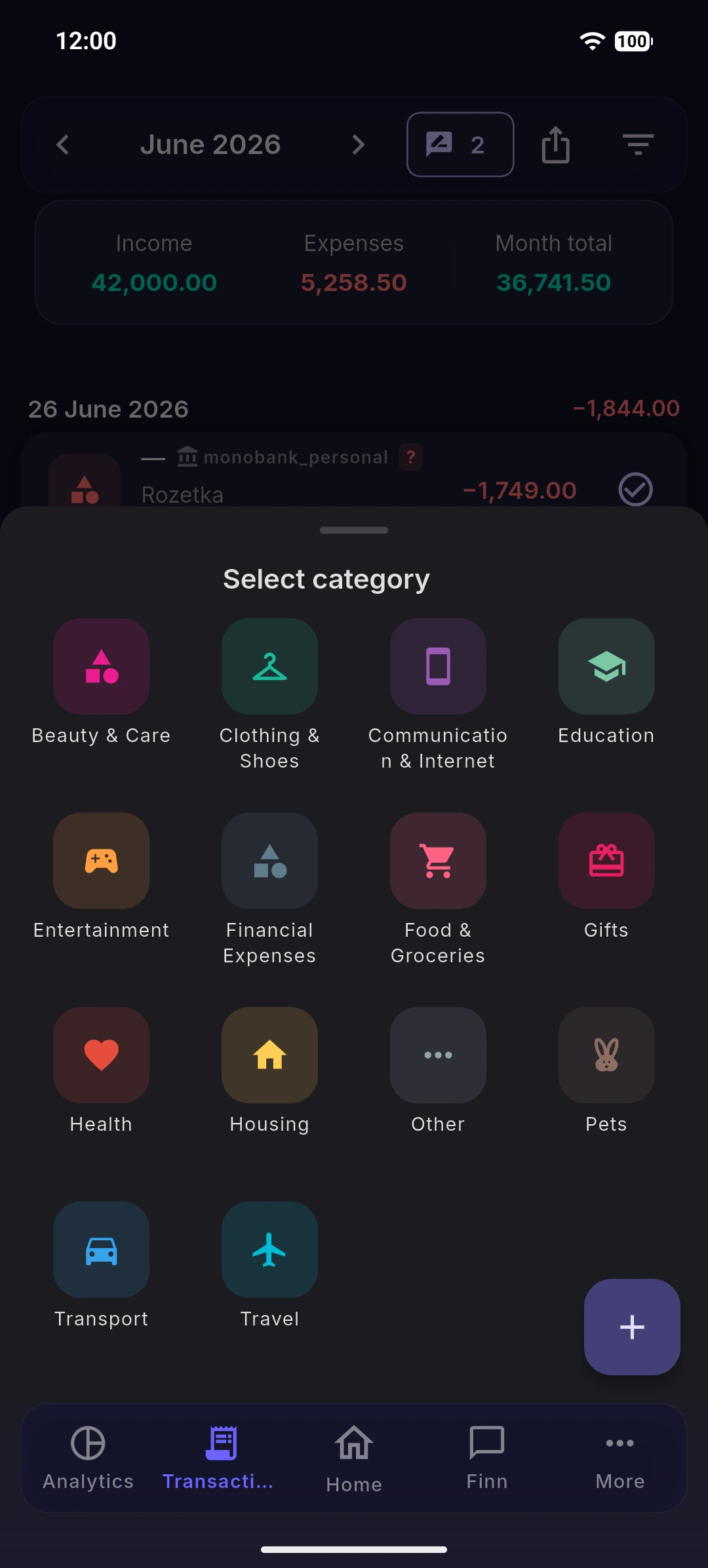
- If it's wrong, change the Category first, then save.
What happens next
The app remembers your choice and categorizes similar operations automatically next time. The more you confirm, the fewer operations need review.