

What this gives you
Once you connect Monobank, your cards and jars sync into Purple Wallet and new operations import automatically. No more typing them by hand.
Get your API token
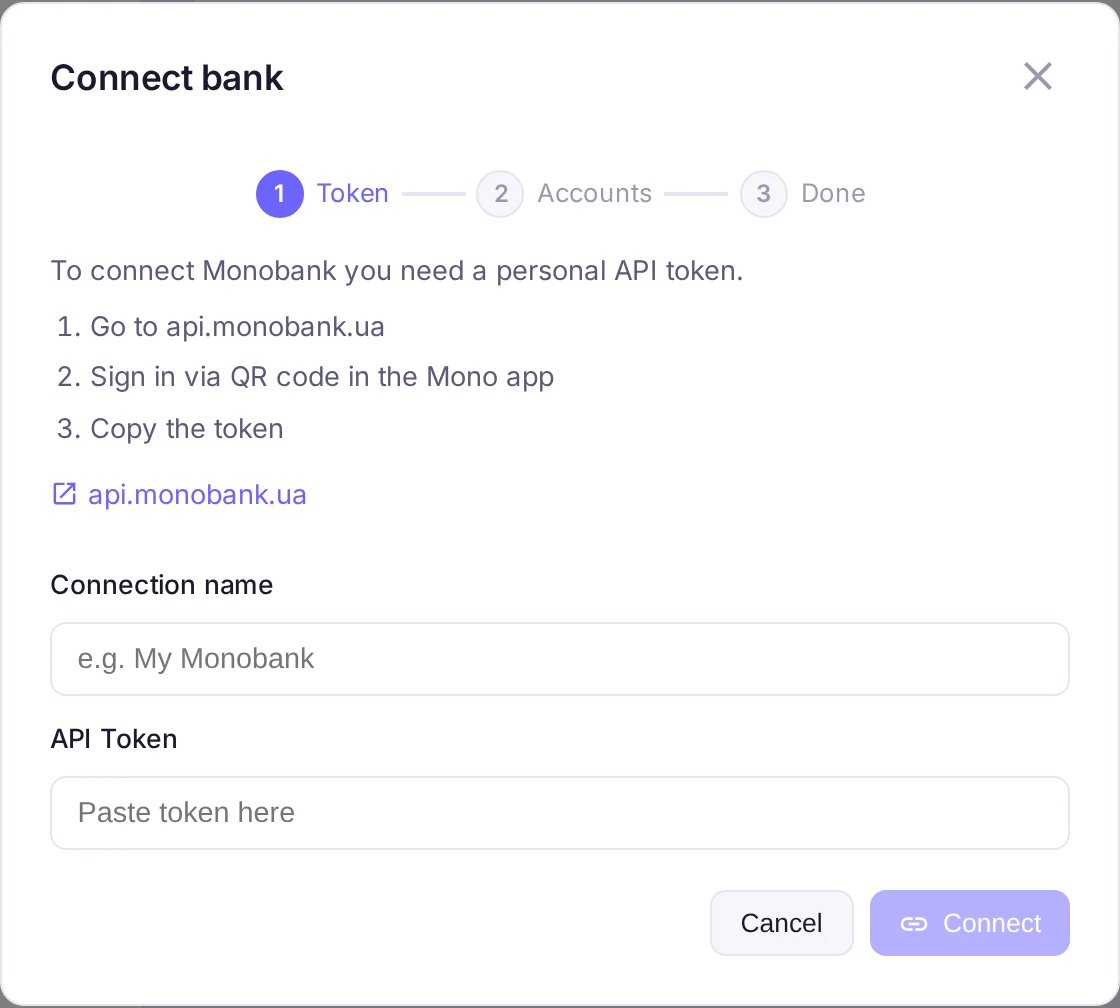
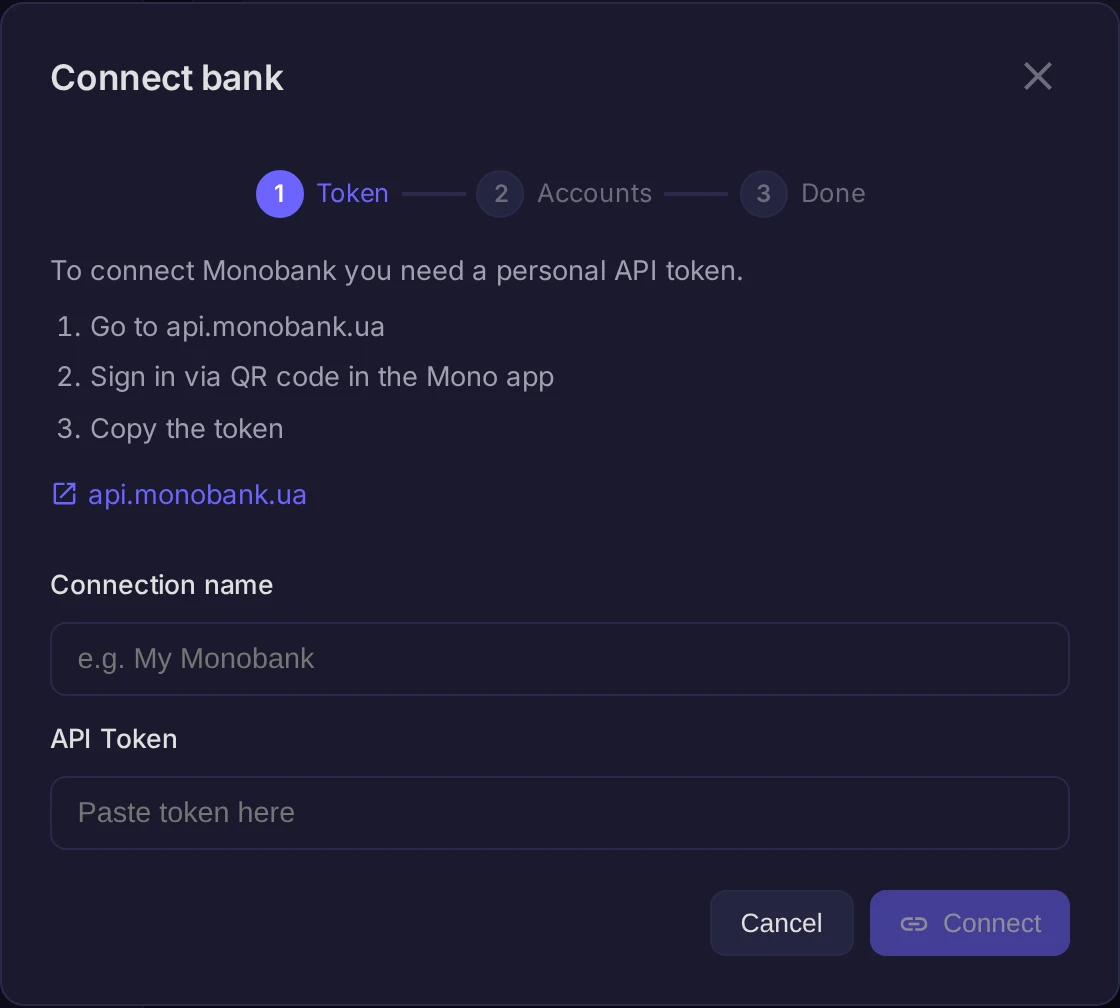
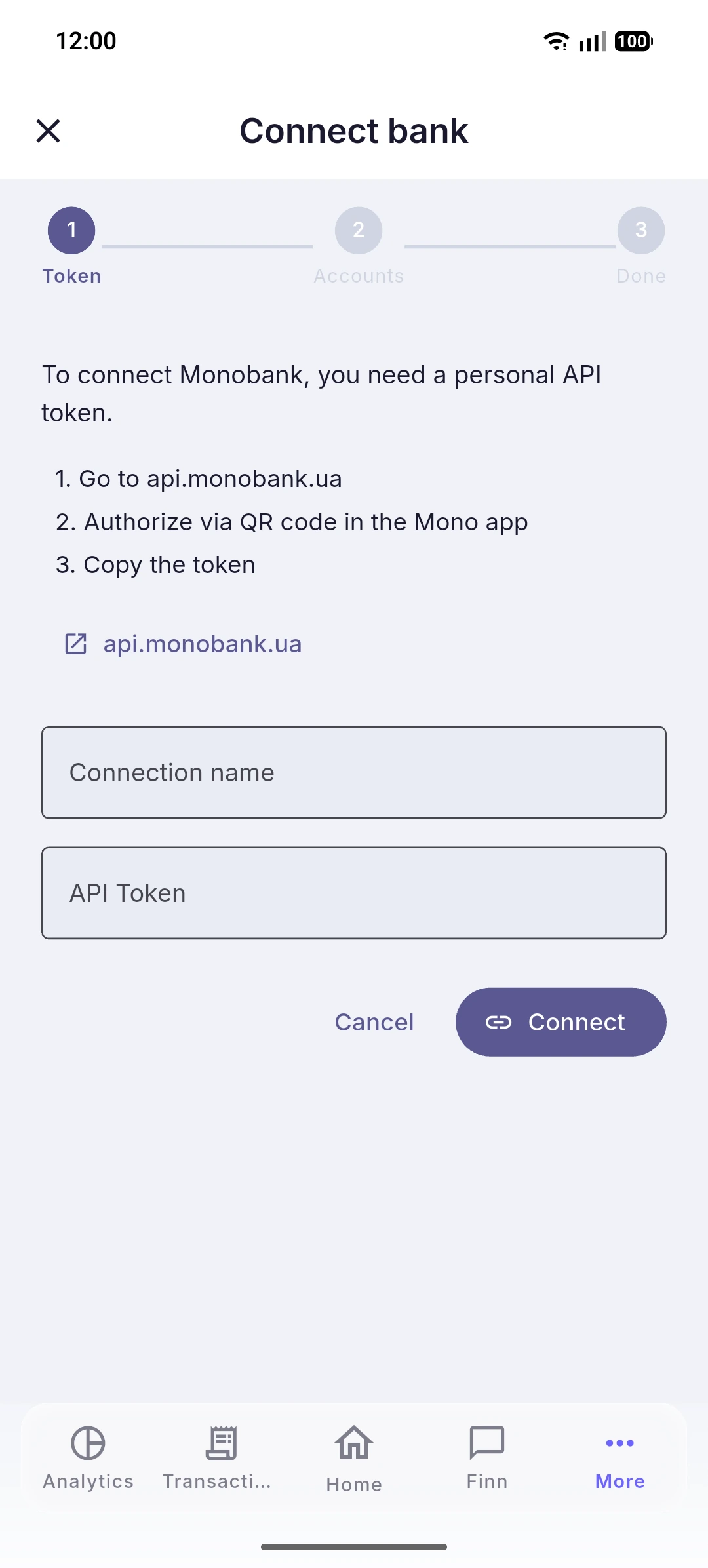
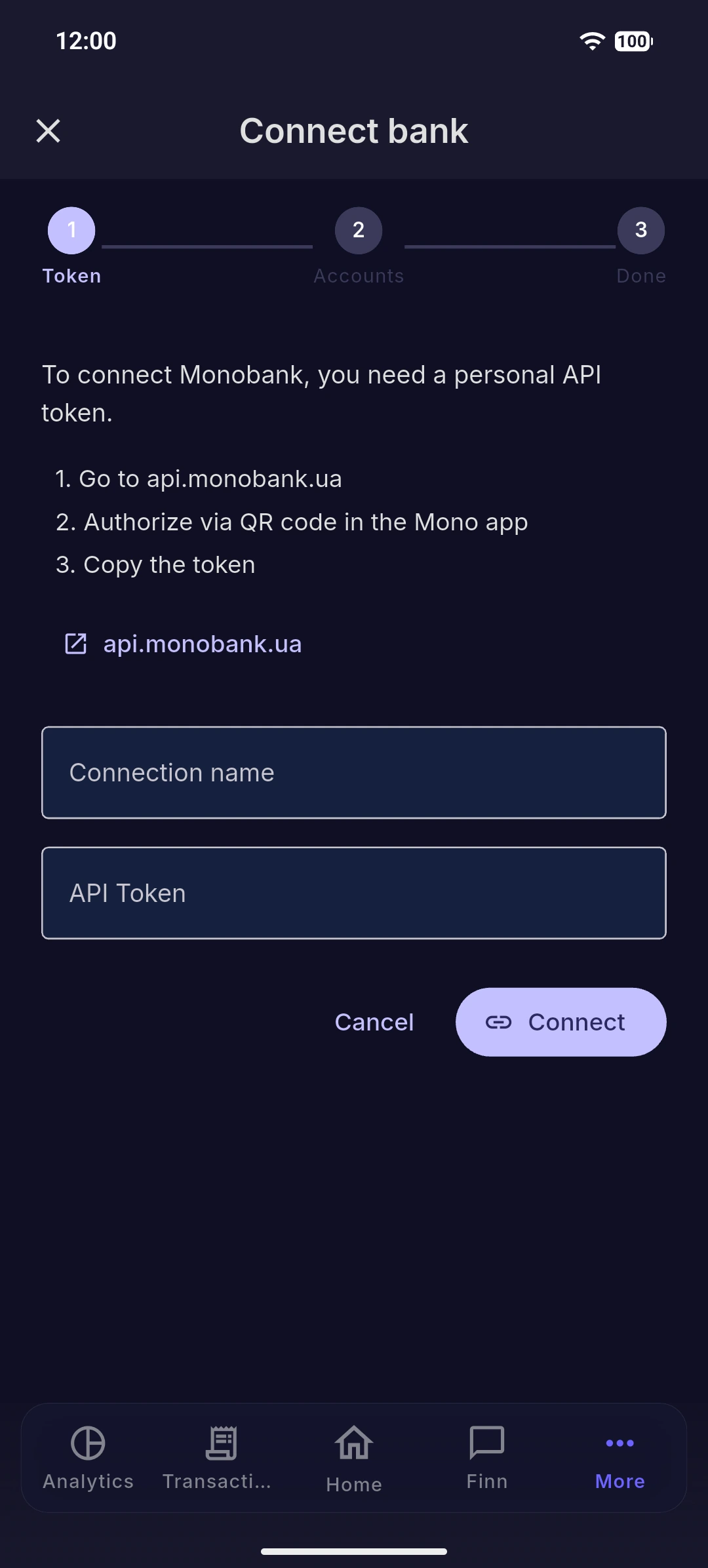
You need a personal Monobank API token:
- Open api.monobank.ua in a browser.
- Sign in by scanning the QR code with the Mono app.
- Copy the token that appears.
Connect it in Purple Wallet
Go to Settings, open the Banking tab and press Connect bank. Then:
- Paste the token into API Token.
- Give the connection a Connection name so you can recognise it later.
- Press Connect.
Result
Your accounts start syncing and operations import on their own. The token is personal — treat it like a password and never share it.