

Finn is the assistant built into Purple Wallet. You talk to him in plain language — no forms, no special syntax — and he turns what you say into transactions or answers.
Open the chat
Tap the chat button to open Finn. In the message field just write what happened: "spent 250 on groceries", "got my salary". Finn recognizes the amount, the category and the account and records the transaction for you.
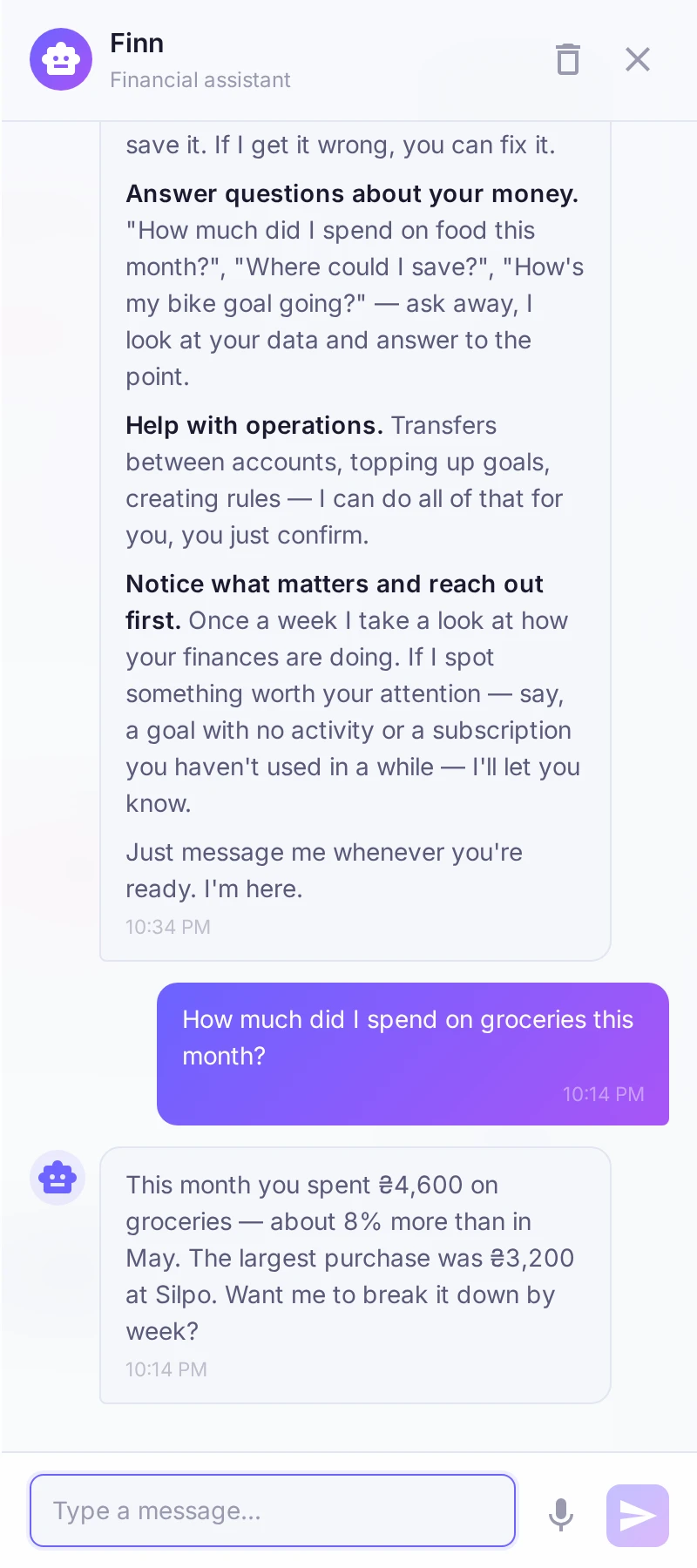
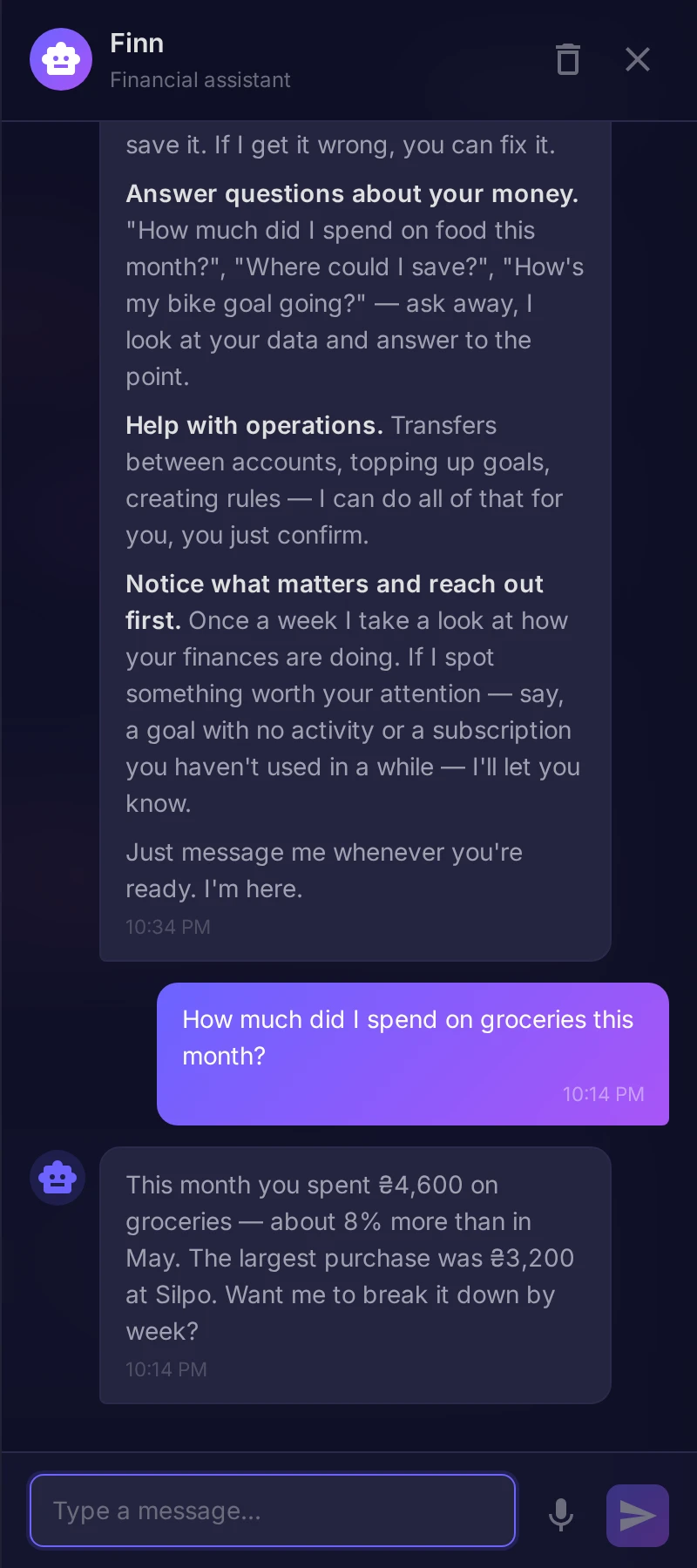
Ask about your money
Finn isn't only for adding operations. Ask "how much did I spend on cafés this month?" or "what are my biggest expenses?" and he answers from your own data. He can also help set up categories, budgets and goals from the conversation.
How much to trust him
In Settings → Finn you choose how Finn behaves before saving:
- Always ask for confirmation — Finn shows what he recognized and waits for your yes.
- Ask only when unsure — clear cases are added right away, unclear ones are confirmed.
- Full trust — Finn adds transactions immediately.
You can also add expenses by voice, or on the phone by photographing a receipt — those are covered in their own articles.