

A budget is a spending limit you set on an expense category for a period. It turns a vague "I should spend less on cafés" into a number you can actually watch.
Create a budget
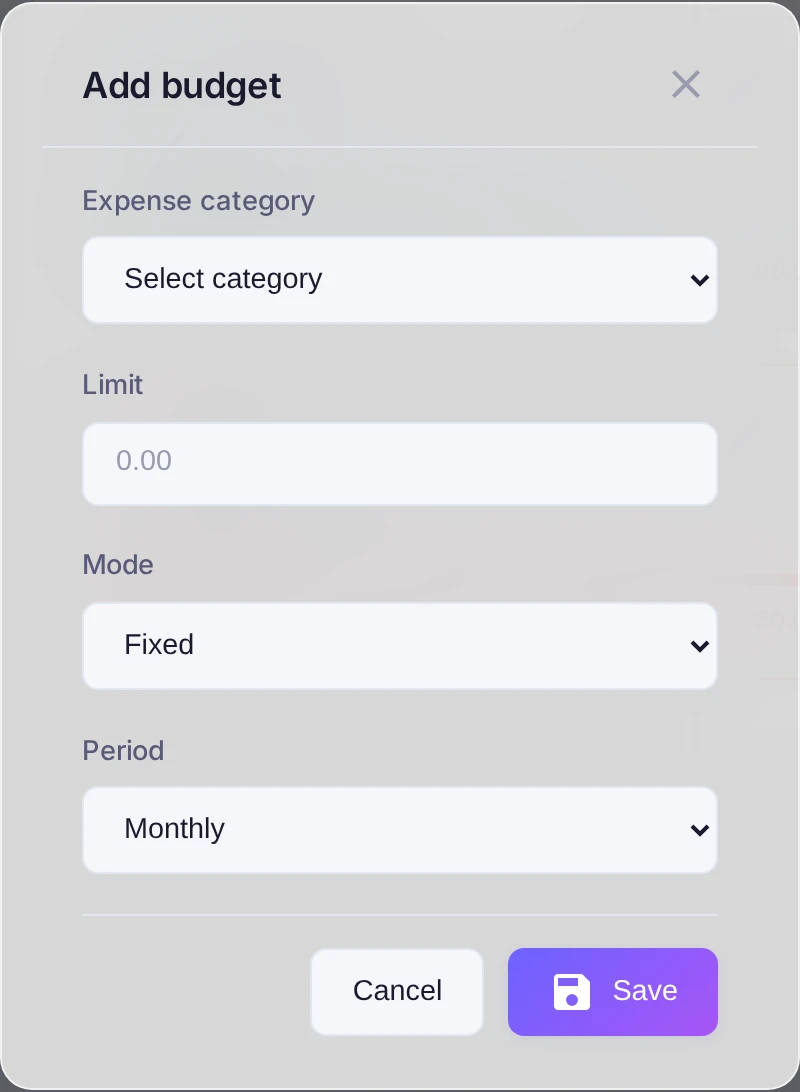
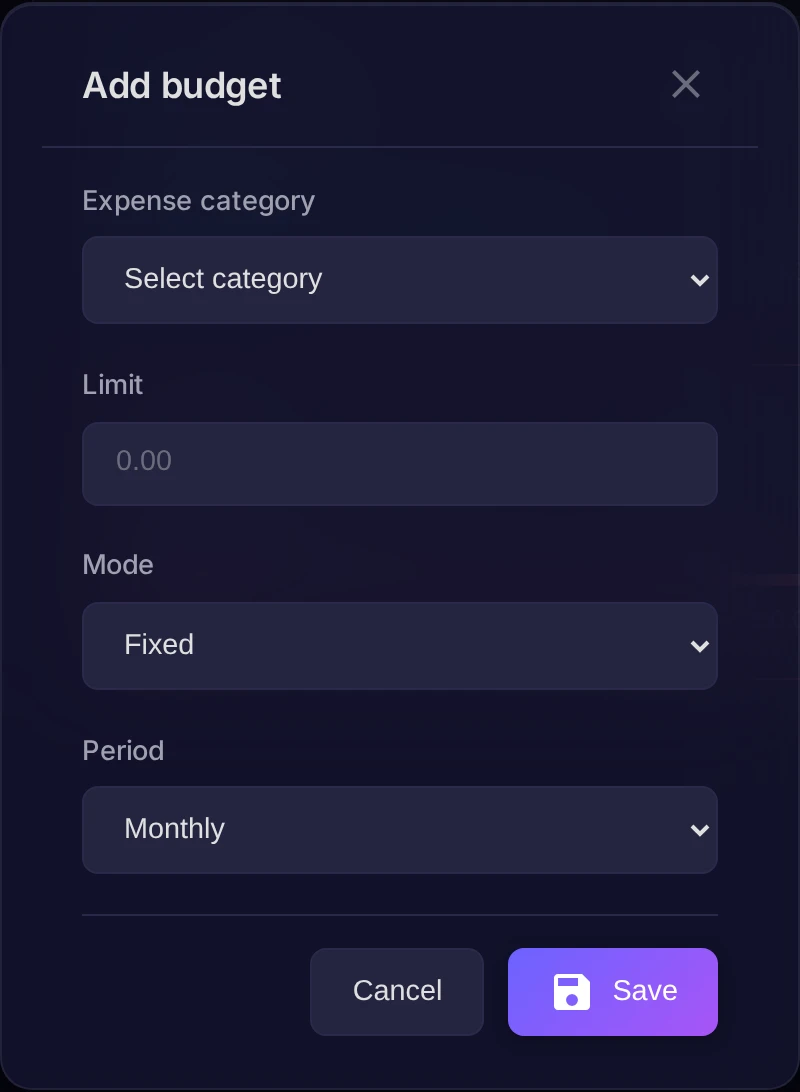
Open Settings, go to the Budgets tab and press Add. Fill in the form:
- Expense category — the category the limit applies to.
- Limit — the amount you don't want to exceed.
- Period — Weekly, Monthly or Yearly.
- Mode — Fixed, or Envelope (with carryover), where an unused balance rolls over to the next month. Envelope mode is available for monthly budgets only.
Track progress
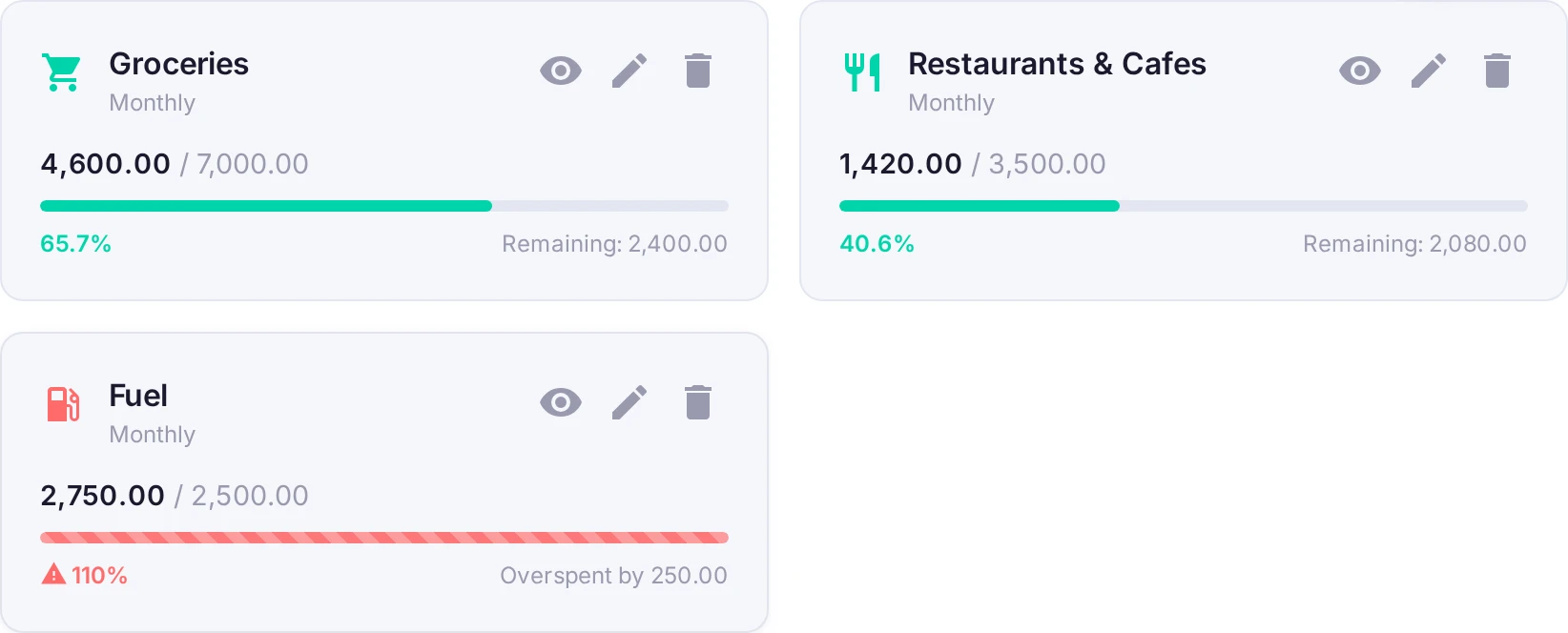
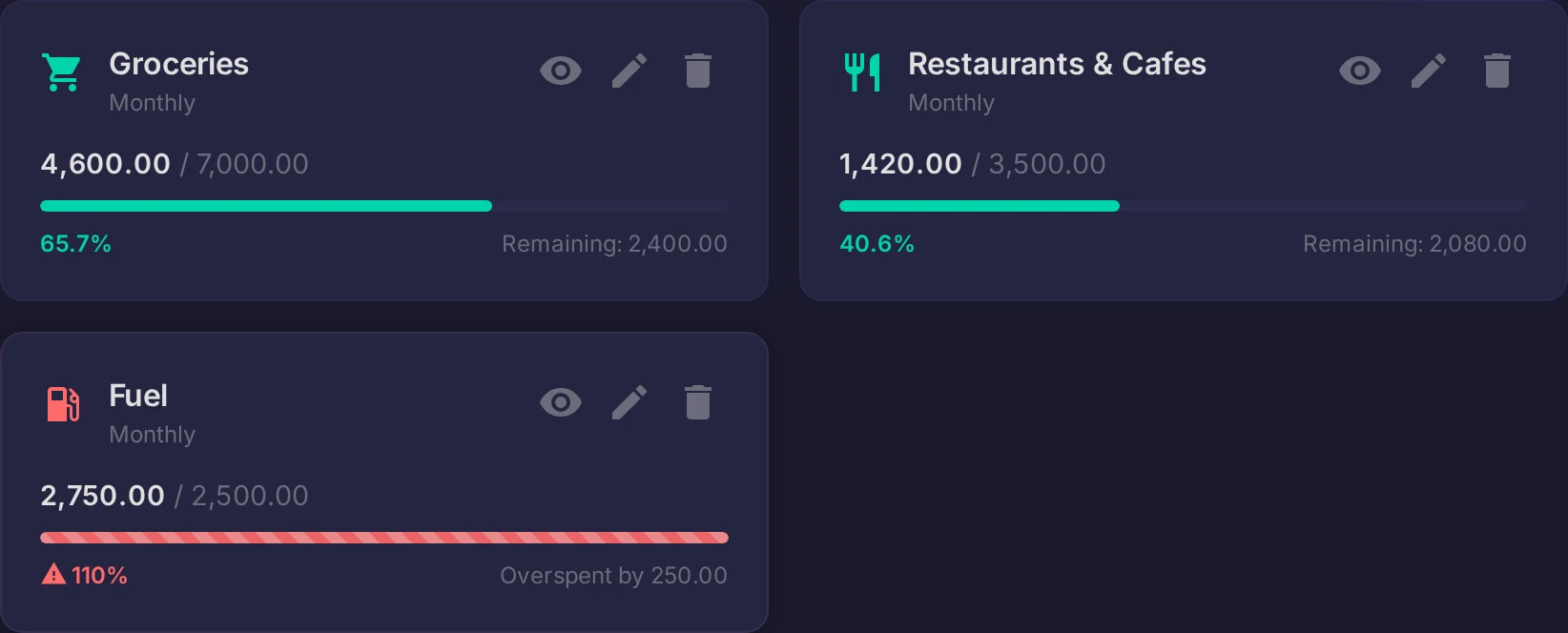
Each budget shows a progress bar: how much is already spent against the limit and how much is left for the period. As the spending nears the limit the bar warns you, so you notice before you overshoot rather than after.
Result
Budgets keep the categories that tend to run away — food, entertainment, taxis — inside boundaries you chose. And Finn will nudge you if a category is heading over.