

A goal is a target you save toward — a trip, a new laptop, an emergency fund. The app keeps the running total in front of you so saving feels like progress, not guesswork.
Create a goal
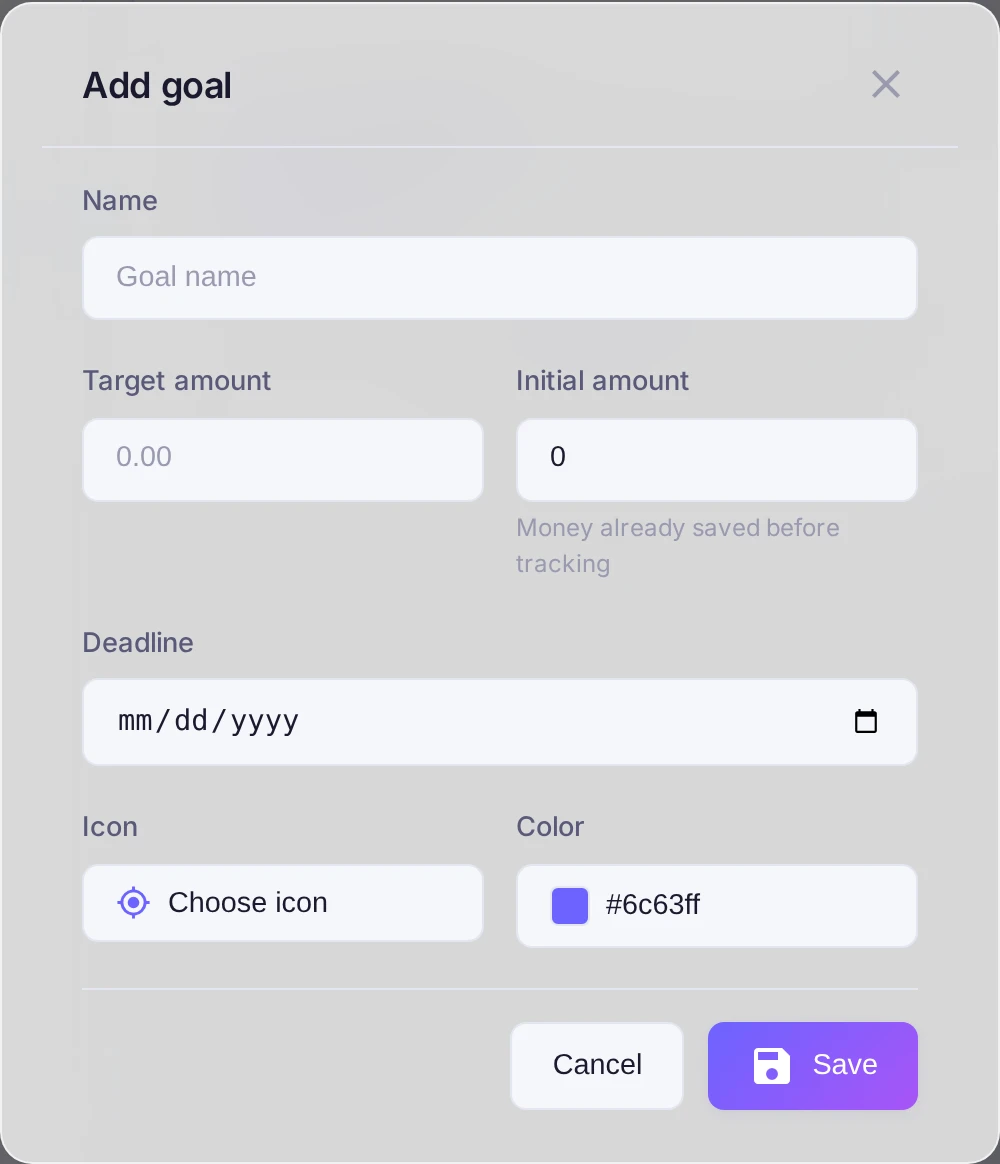
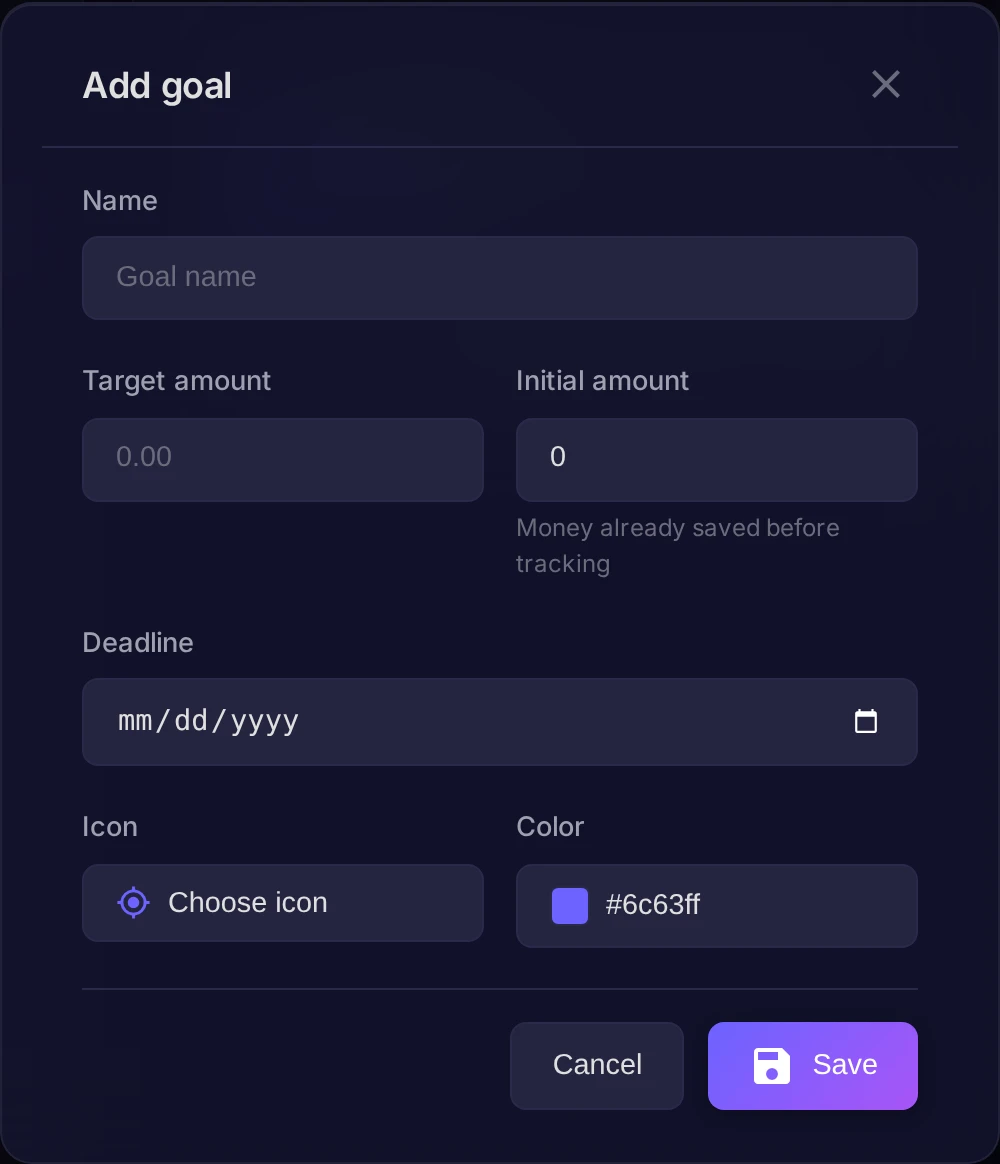
Open Settings, go to the Goals tab and press Add. Fill in:
- Goal name — for example "Vacation" or "Safety cushion".
- Target amount — how much you want to gather.
- Deadline — optional, if the goal has a date.
- Color and Icon — to tell your goals apart.
Top it up
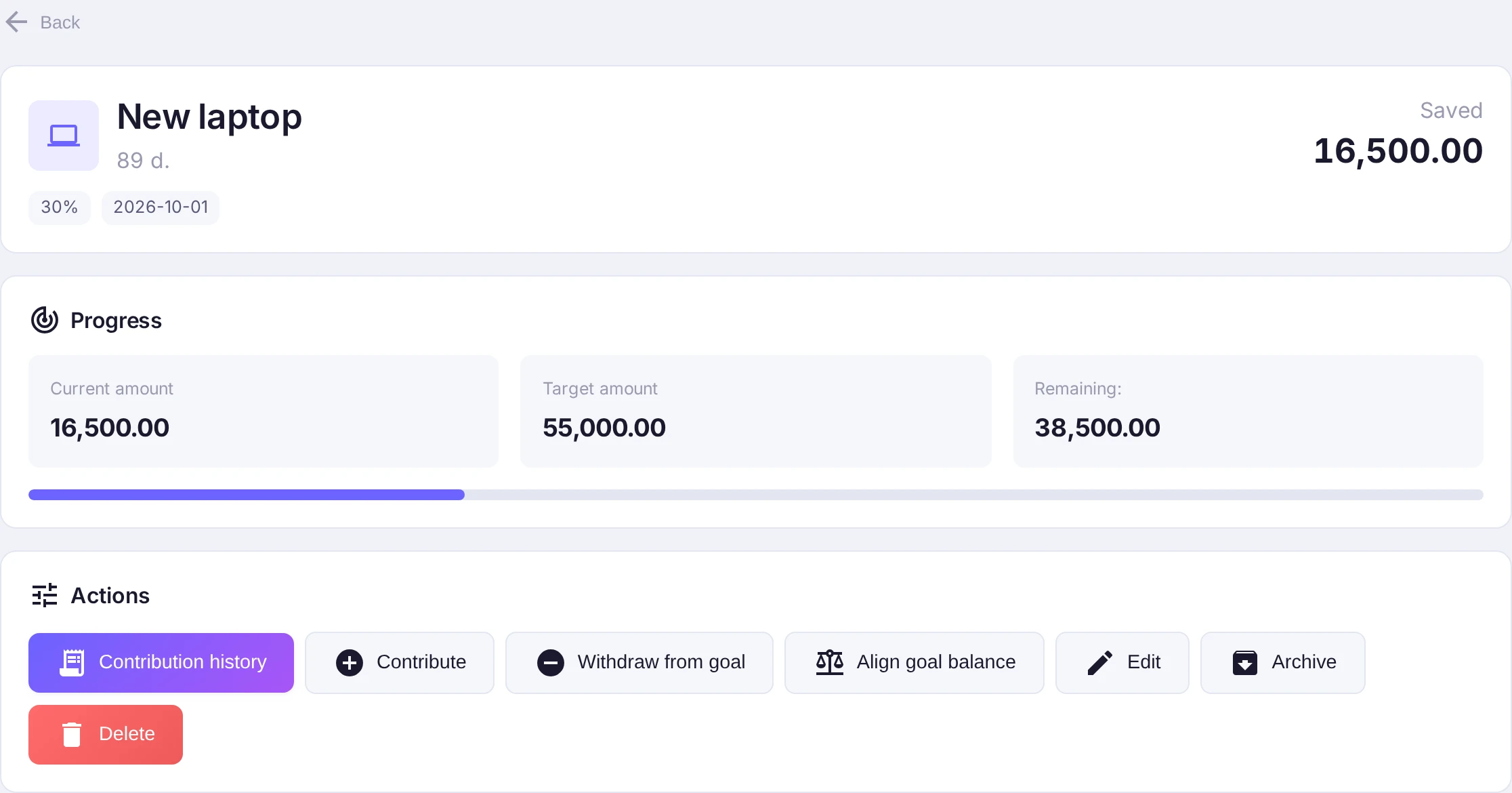
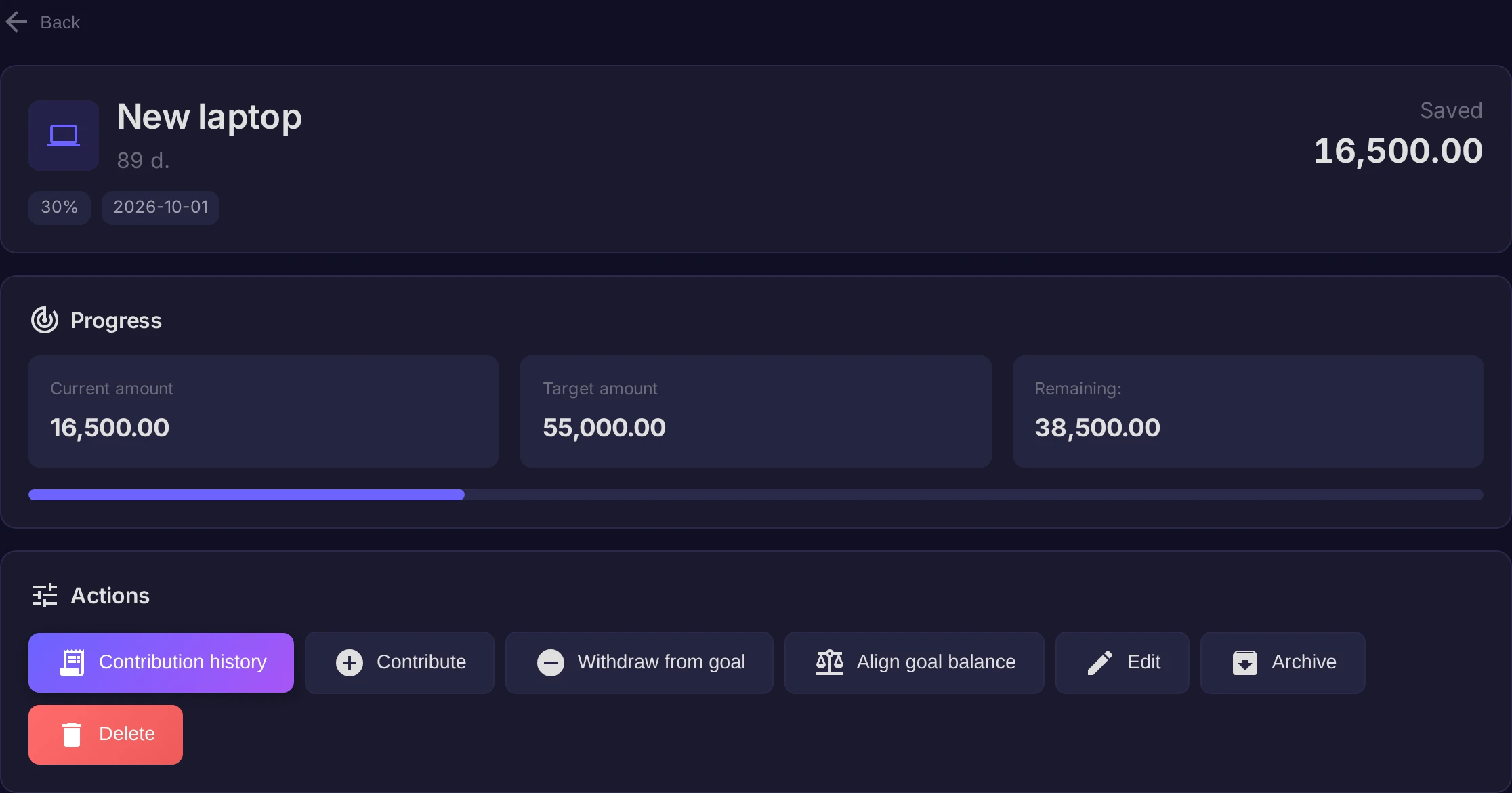
Open the goal and use Contribute to goal to move money into it; the goal screen shows progress toward the target and the history of contributions. If you need the money back, Withdraw from goal returns it to an account — the goal can even go temporarily below what you planned, and that's fine.
Result
Every contribution nudges the bar forward, and the dashboard keeps your goals in sight. Saving stops being abstract — you can see exactly how close you are.