

A space is a self-contained set of finances — its own transactions, categories, budgets and goals. You always have a personal space, created automatically when you register, and it stays yours alone.
Personal and shared
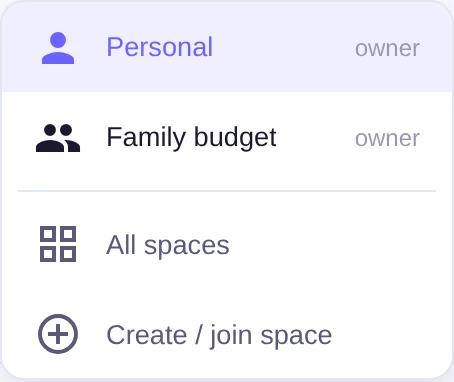
Besides the personal one you can create a shared space and invite others into it — a family budget is the classic case. Money in a shared space is kept apart from your personal money, so the household ledger and your own never bleed into each other.
Switch spaces
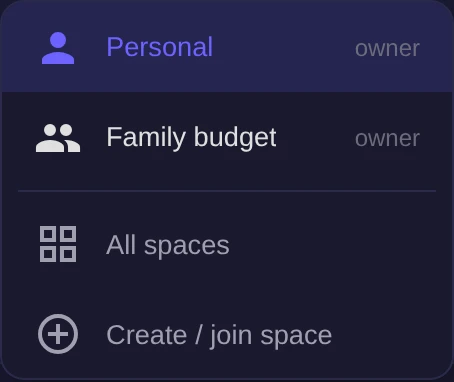
The active space is chosen in the space switcher. Everything you see — the dashboard, transactions, analytics — belongs to the currently active space, and switching flips the whole app to another set of finances.
The overview
The All spaces screen gathers every space you belong to and shows each one's balance or cash flow for the period, plus your Net worth — the sum of balances across all spaces in your main currency. From there you can open Manage for any space.
The following articles cover roles, invitations, the read-only public link and splitting a transaction across spaces.