

One trip to the supermarket can be half groceries for the family and half something just for you. Instead of forcing the whole receipt into one category or one space, you can split it.
Turn on splitting
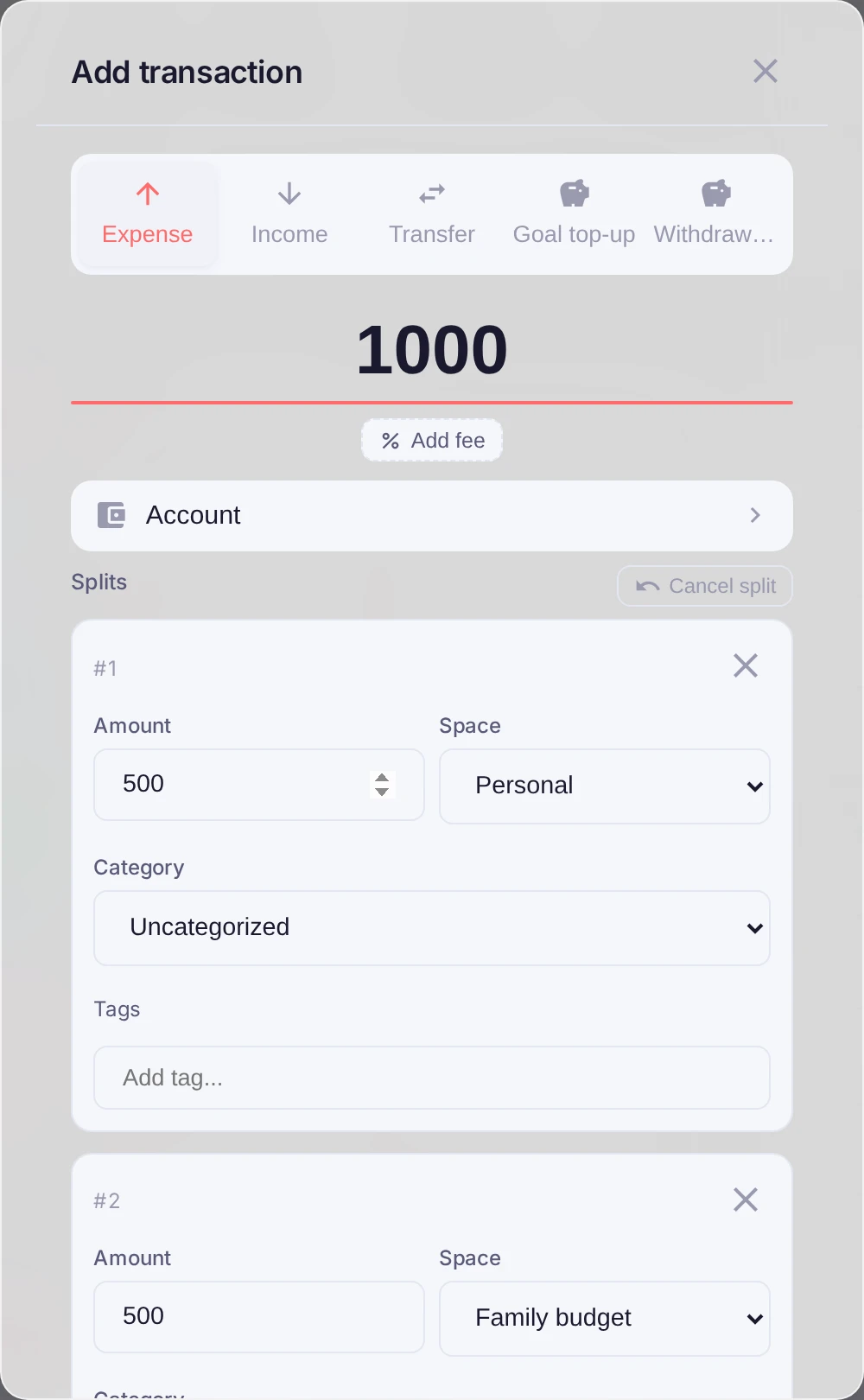
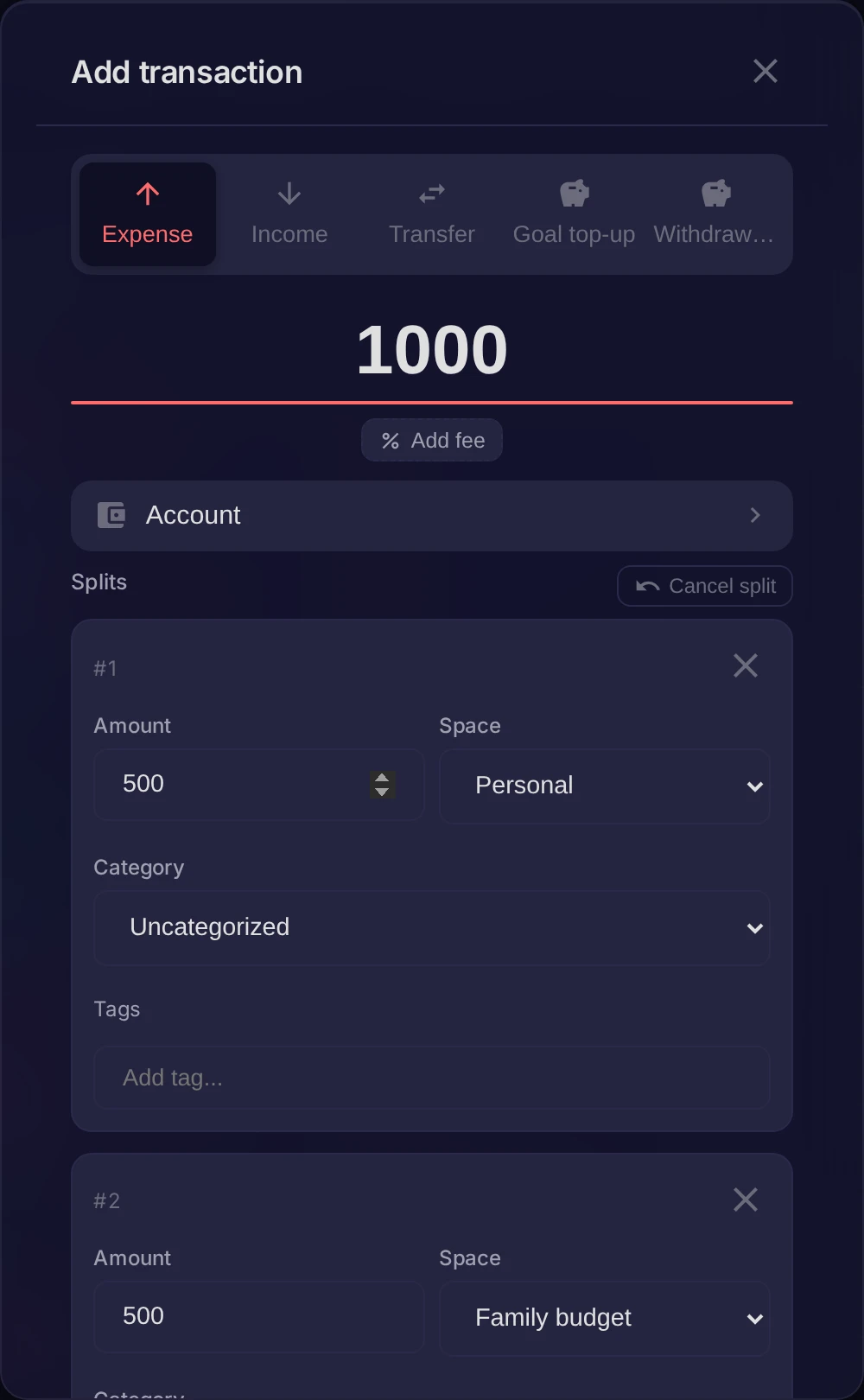
In the transaction form use the Split toggle. The single amount opens up into parts, each with its own Space, category and amount.
Divide the amount
Add parts with Add split and set each one:
- choose the Space the part belongs to — one slice can go to the family budget, another stay personal;
- pick a category and enter the amount for that part.
The parts must add up to the transaction total. The form shows how much is left to allocate, and Auto-balance drops the remainder into the last part for you.
Good to know
You can only set a category for a part in the space that's currently active — switch to the other space to categorize its slice. In lists, a split transaction shows how many categories it covers, and each space sees only its own slice of the amount.