

Sometimes you want to show a space without letting anyone change it — to a partner who isn't on the app, say. That's what the public link is for: it opens the space in read-only mode to anyone who has the link, no account and no sign-up required.
Enable the link
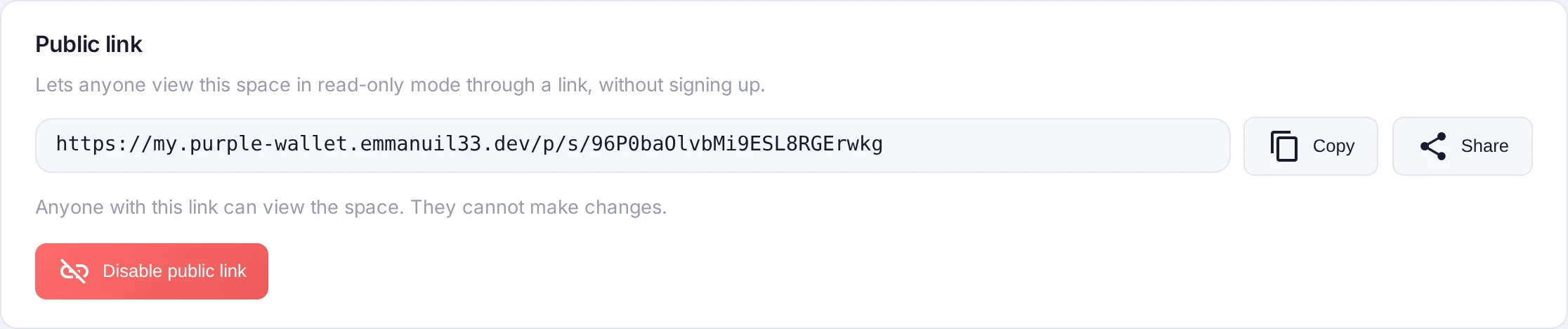
Open the space, go to Manage and find Public link (owner only). Press Enable public link, then Copy or Share it. Anyone who opens the link sees the space's balances and transactions — and cannot make any changes.
Turn it off
Press Disable public link and the link stops working right away. The link's token is kept, so if you enable the link again later you get the very same address back.
Privacy notes
The link is a long, unguessable address — only people you send it to can reach the space. It grants viewing only; managing the space stays with the owner. And it never exposes anything beyond that one space — your other spaces and personal finances are not part of it.