

What the PIN is for
The PIN is a short 4–6 digit code that lets you lock the app in a moment — handy when someone is looking over your shoulder or you hand your device to someone else. It is separate from your account password: a quick lock, not a second login.
Set a PIN
Open Settings and go to Screen Lock. Then:
- Press Set PIN.
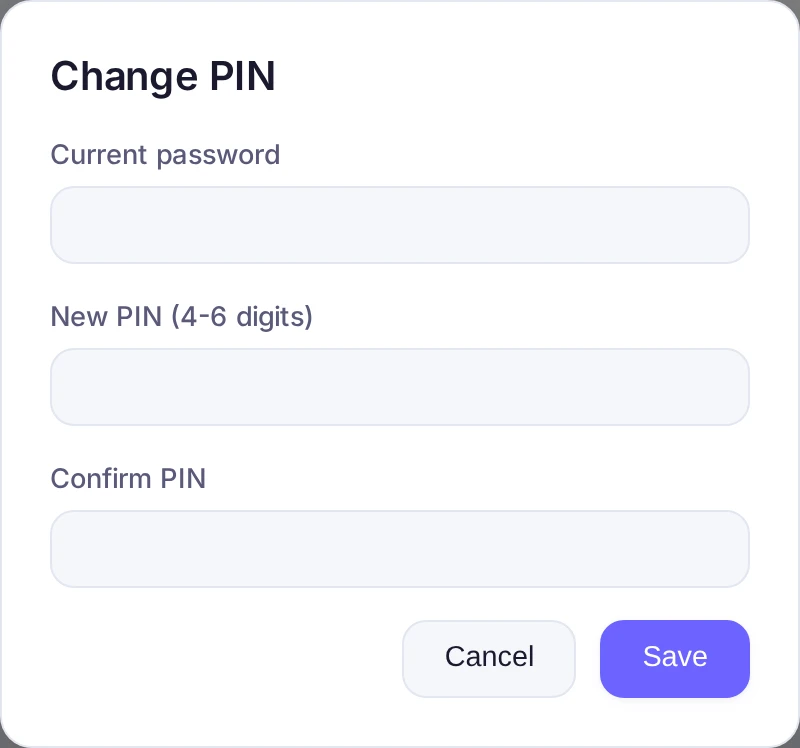
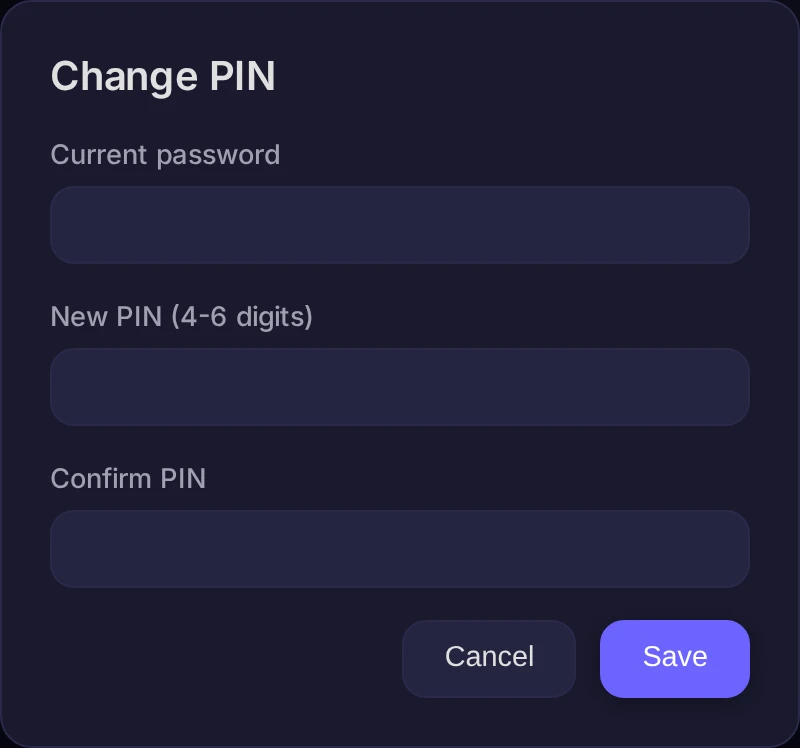
- Enter your Current password to confirm it's you.
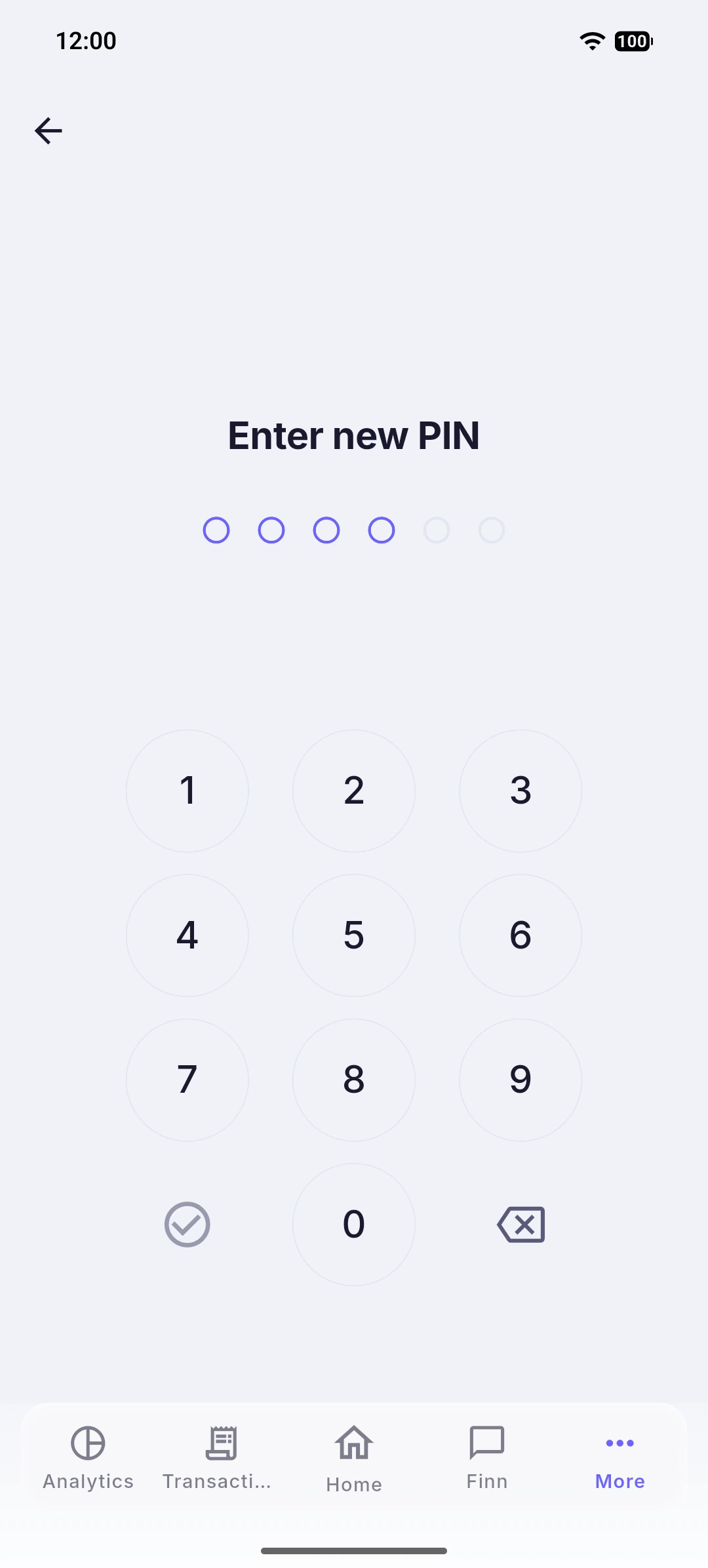
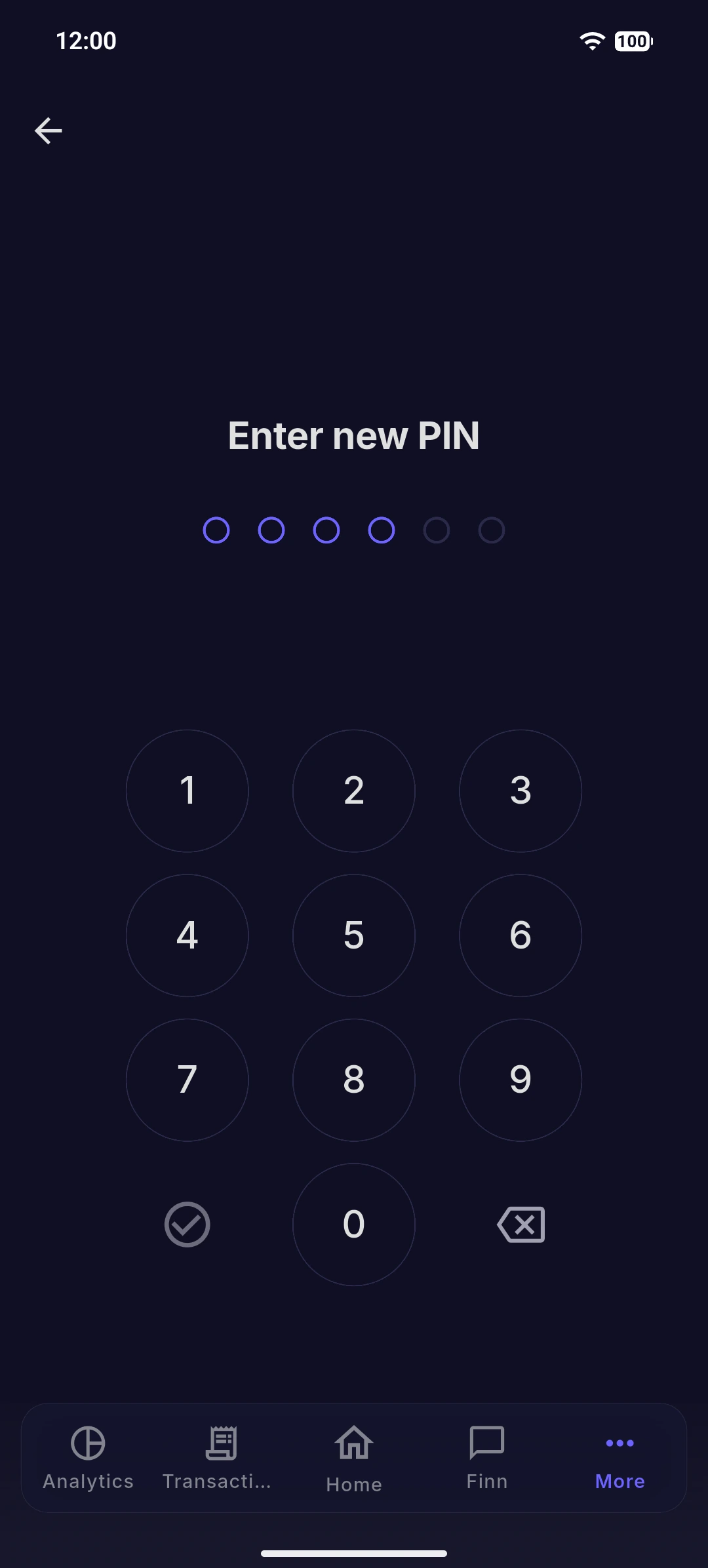
- Enter a new PIN (4–6 digits) and repeat it to confirm.
- Press Save.
Change or remove it
In the same Screen Lock section you can Change PIN or Delete PIN. Both ask for your current password first. If you signed in with Google and never set a password, the password step is skipped.
Good to know
The PIN is checked on our side, never stored as the digits you typed. If you forget it, remove it with your password and set a new one.