

Take your records with you
Your data belongs to you, so you can take a copy out whenever you like — to keep a personal archive, open it in a spreadsheet, or move it into another tool.
How to export
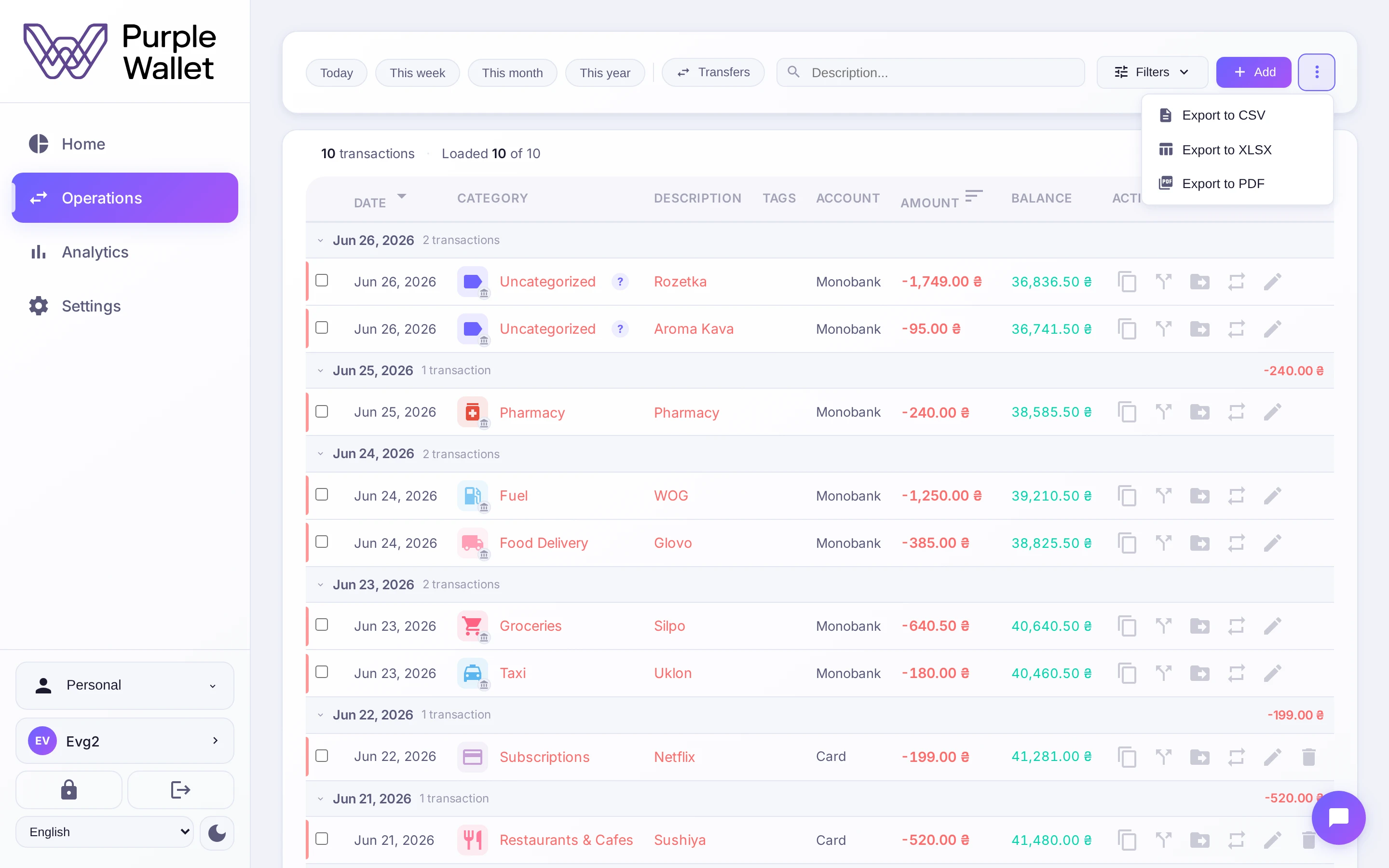
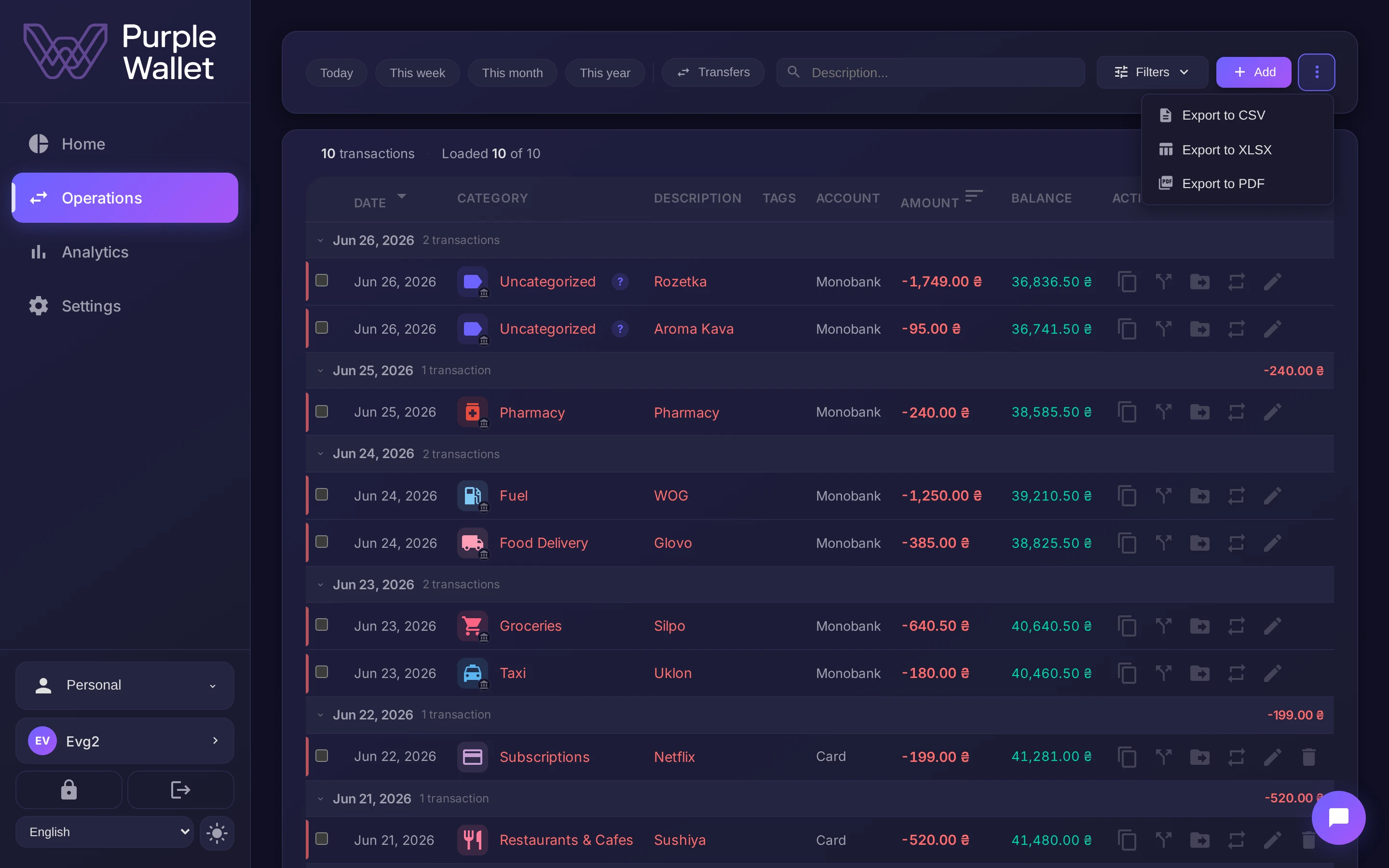
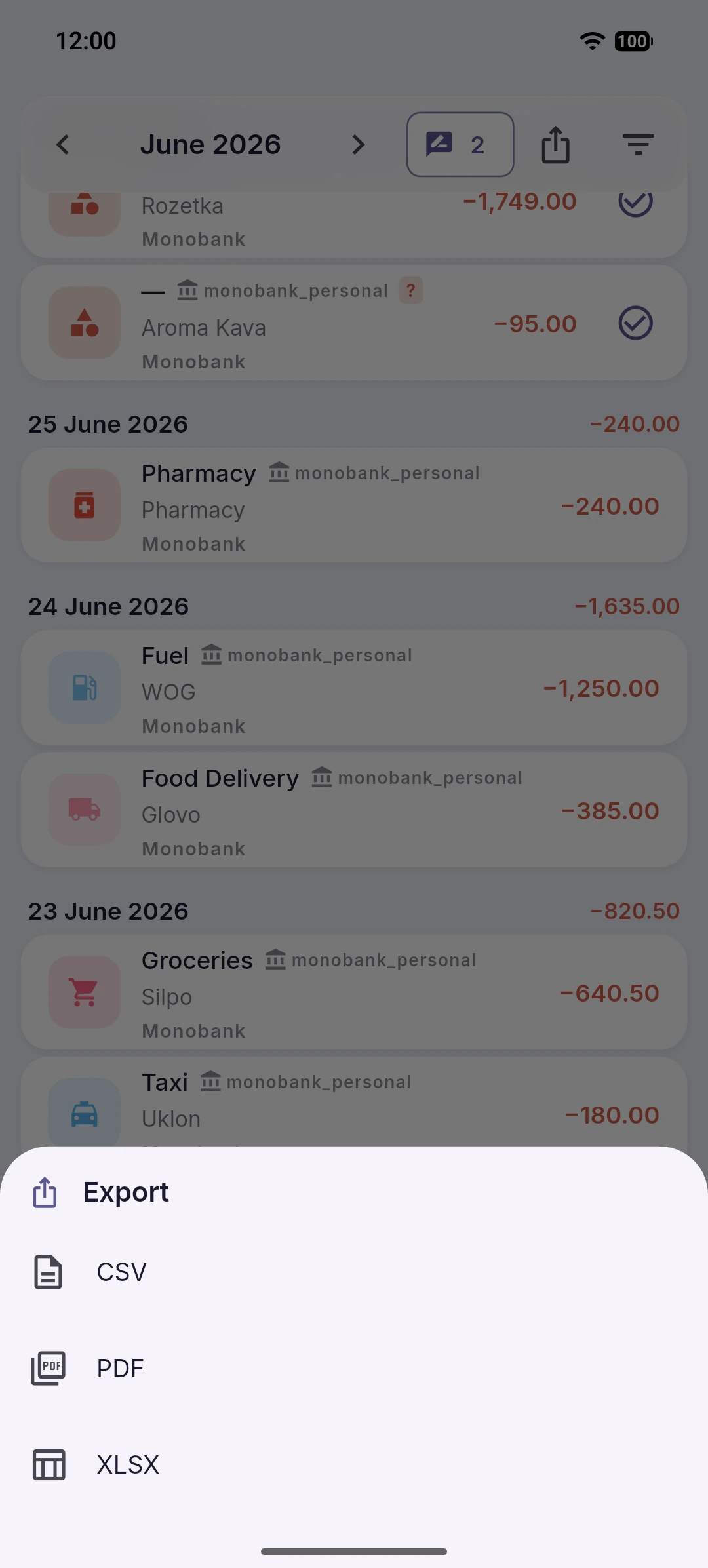
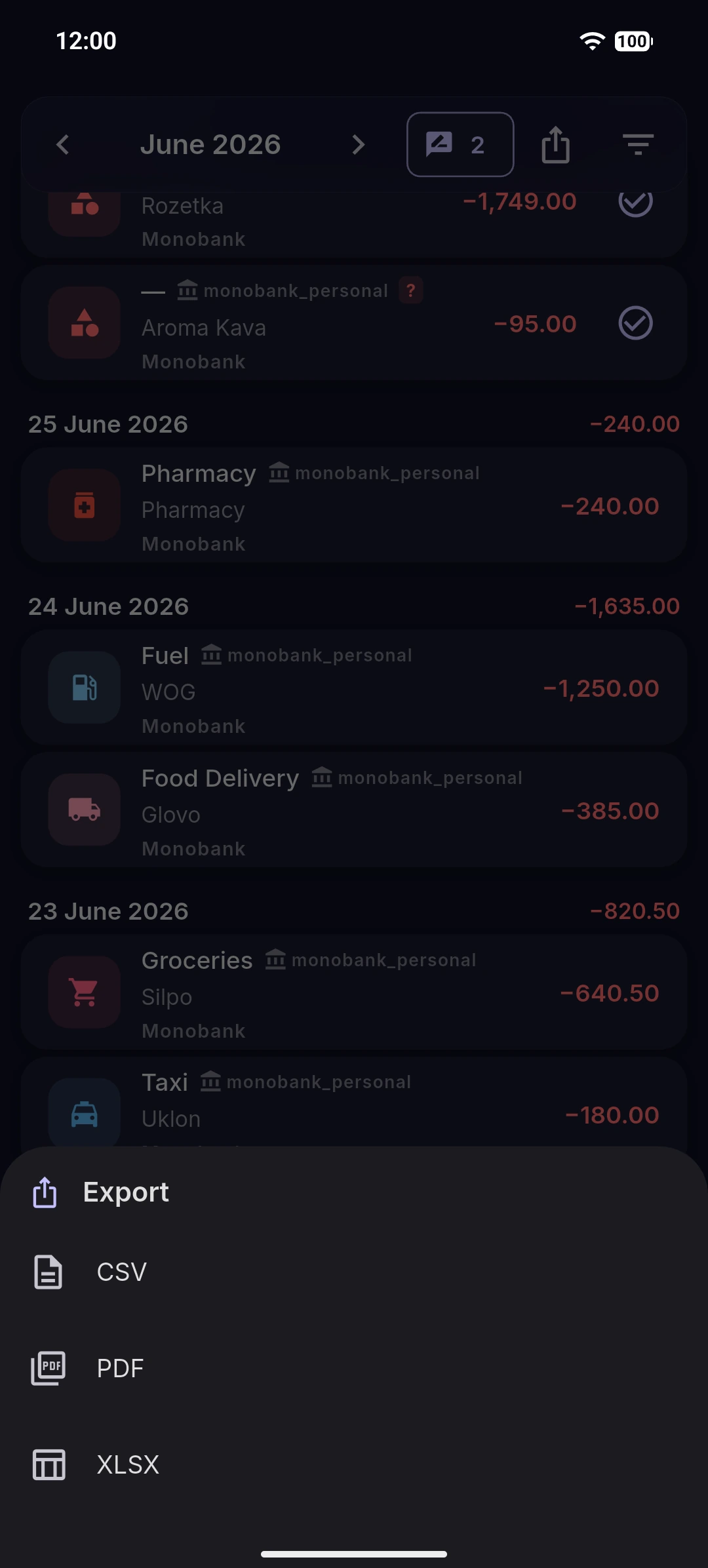
Open the Operations page and open the menu (the ⋮ button in the toolbar). Choose a format:
- Export to CSV — a plain table that opens almost anywhere.
- Export to XLSX — an Excel spreadsheet.
- Export to PDF — a report with totals (a Pro feature).
Choose what goes in
The export follows the filters you have set on the page — the date range, account, category or search. Set them first to export exactly the slice you need, or clear them to export everything.
Good to know
The file downloads to your device. Keep it somewhere safe — it holds your financial records in plain, readable form.