

An account is where your money lives — cash, a card, a bank account or savings. Add one so the app can track its balance.
Add an account
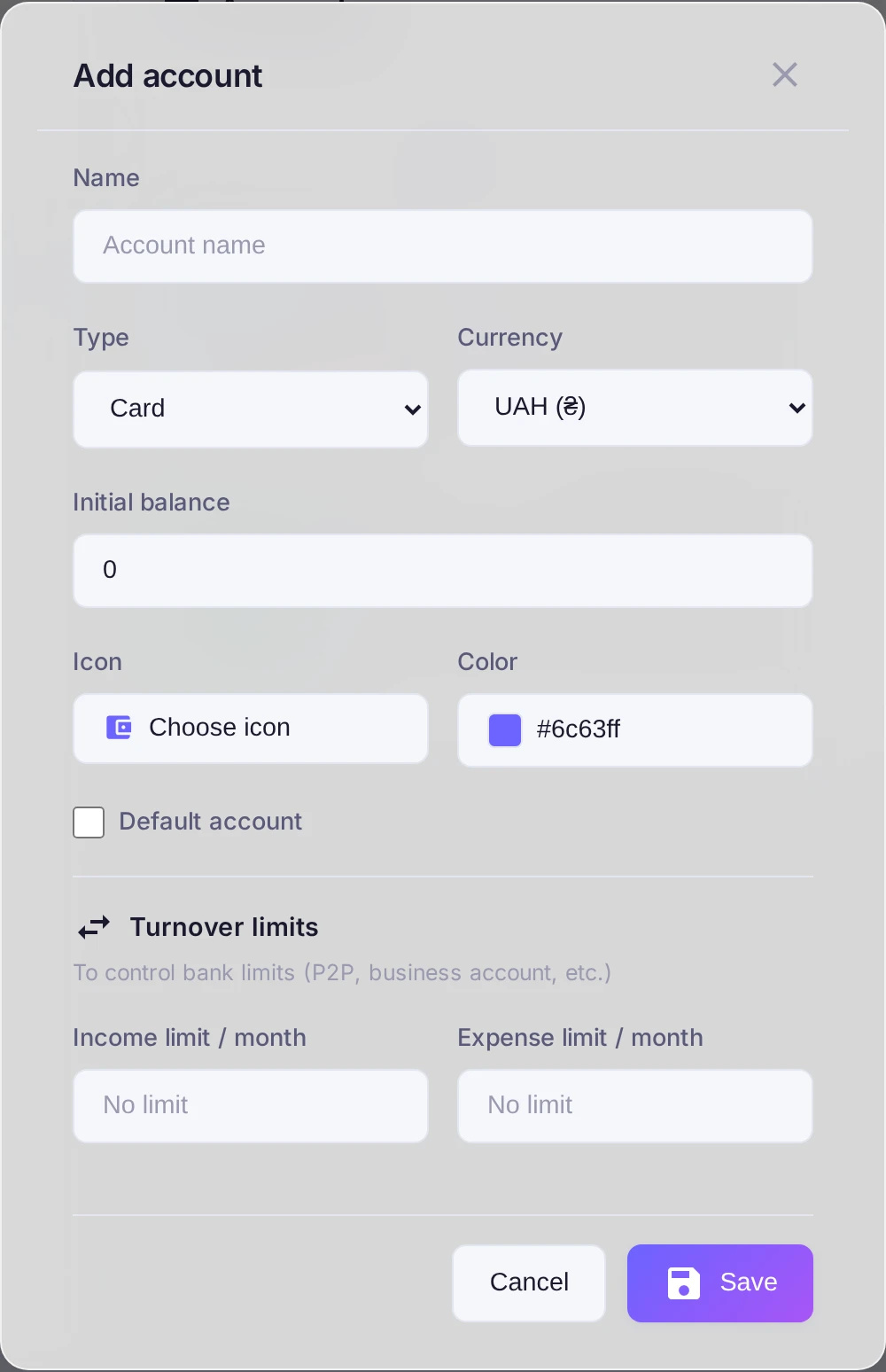
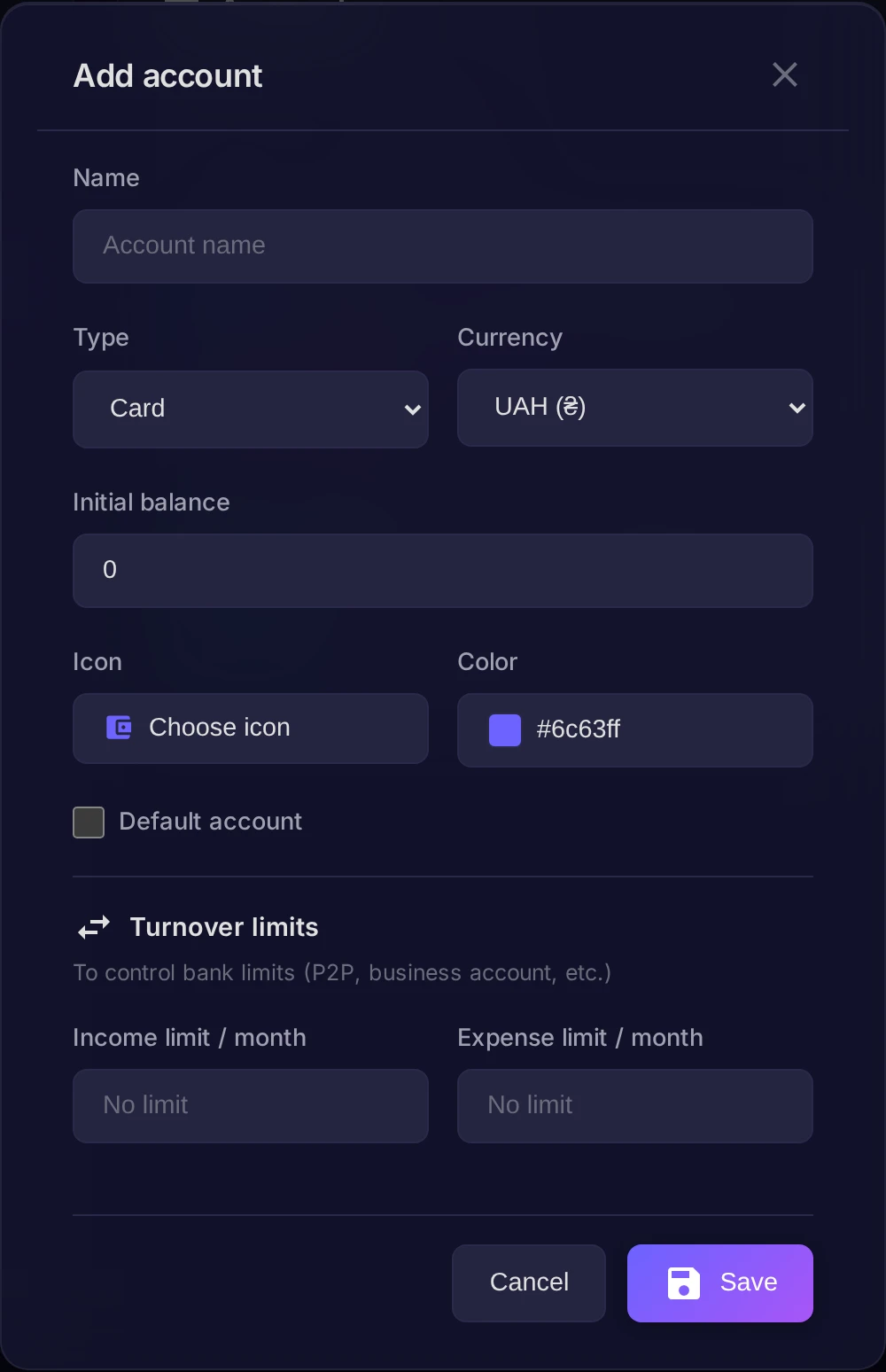
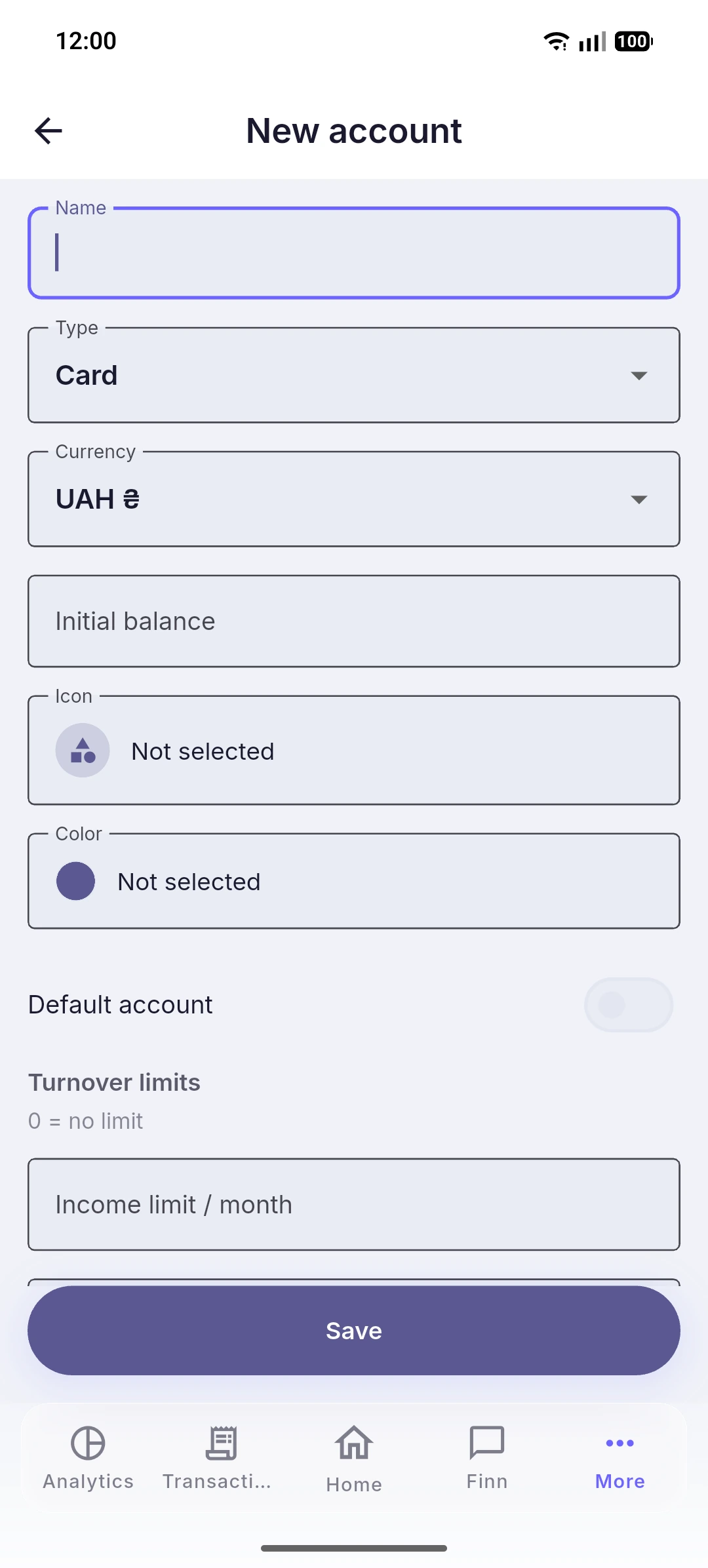
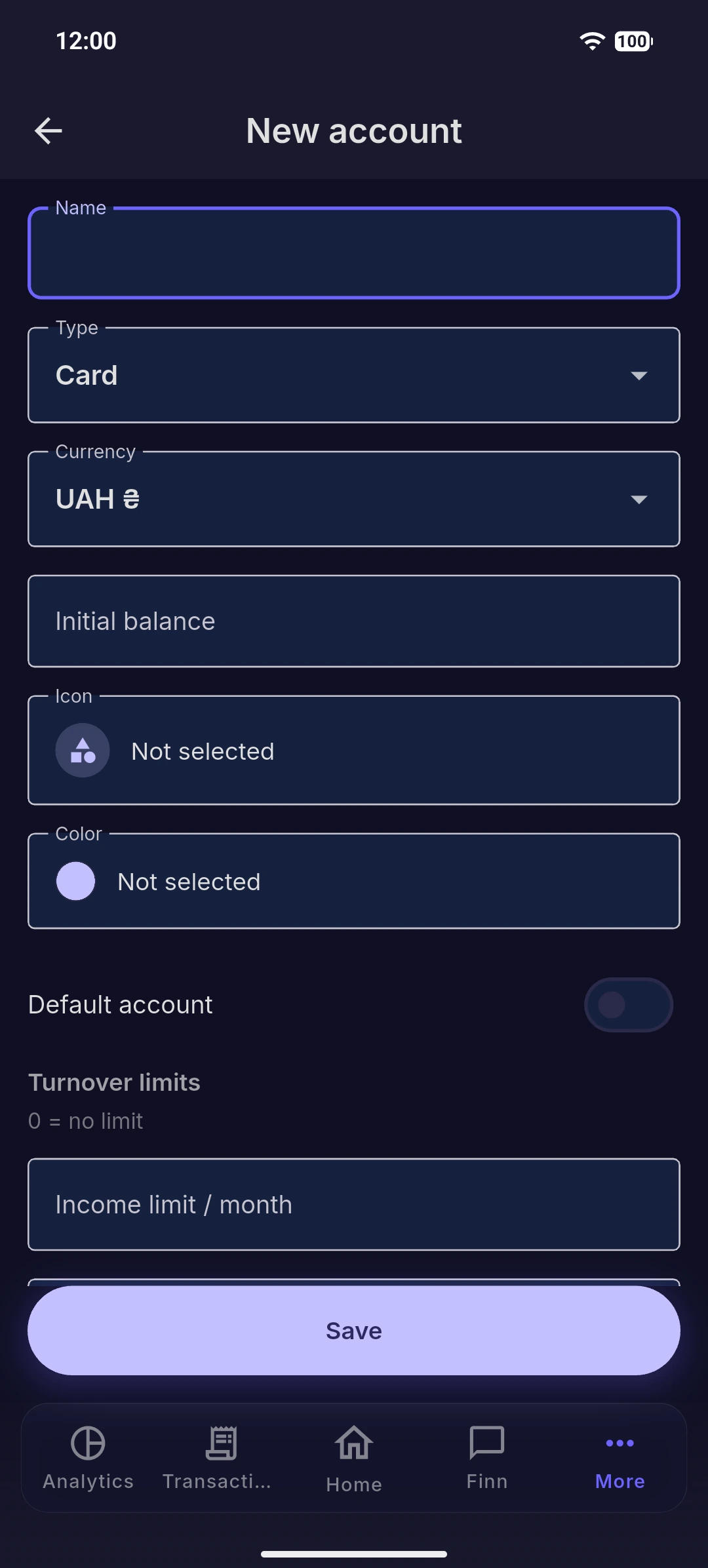
Open Settings, switch to the Accounts tab and press Add account. Then fill in the form:
- Name — what you call it, for example "Wallet" or "Salary card".
- Type — choose Cash, Card, Bank or Savings.
- Currency — the currency the account is kept in.
- Initial balance — how much money is on it right now.
If this is the account you use most often, mark it as the Default account so it is pre-selected in new transactions. When everything looks right, press Save.
Result
The account appears on the dashboard with its balance and becomes selectable when you record income, expenses or transfers. Add as many accounts as you need — the dashboard sums them up for you.