

Transactions are the core of Purple Wallet. Every expense or income you record keeps your balances and statistics accurate.
Record a transaction
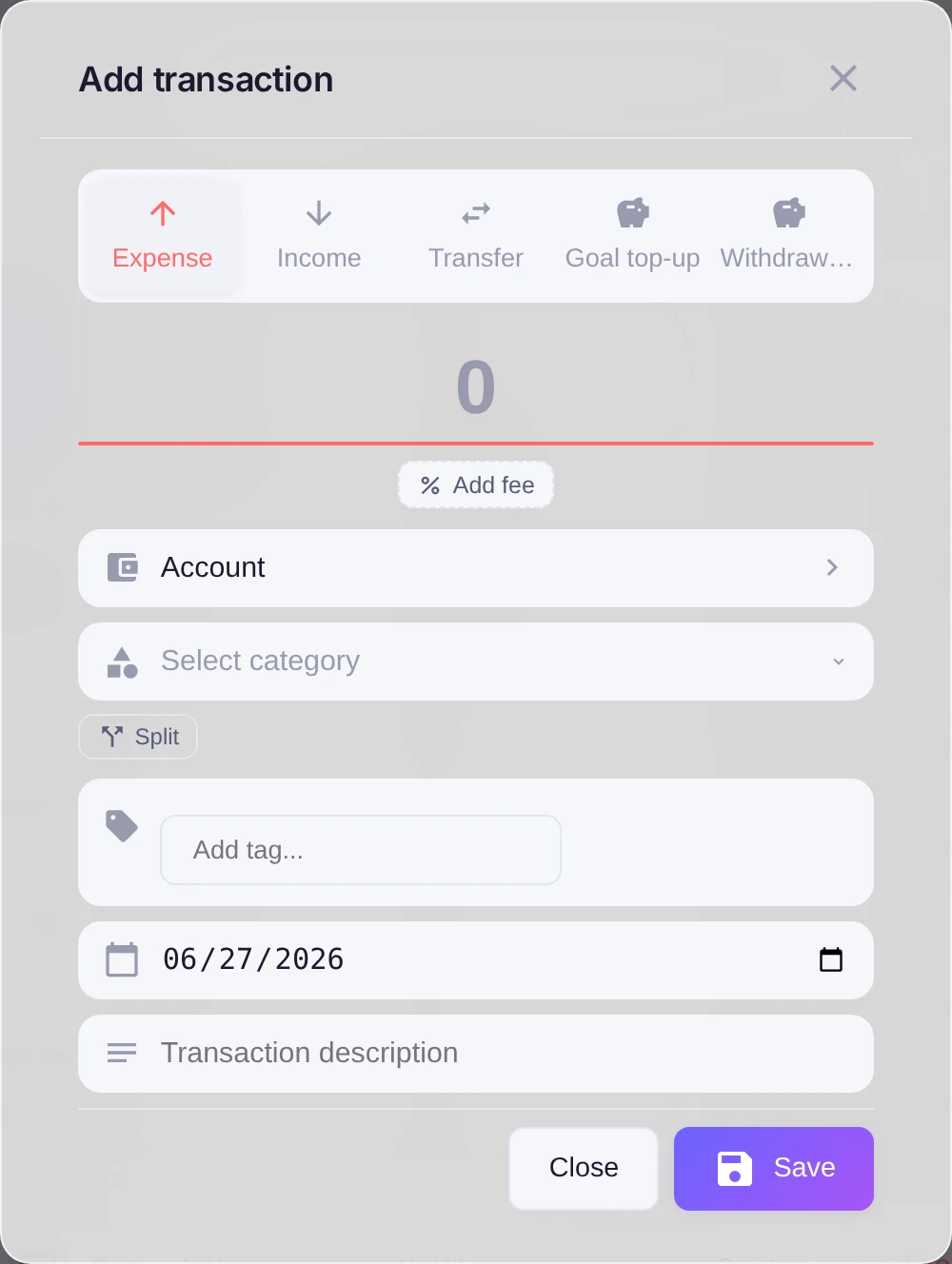
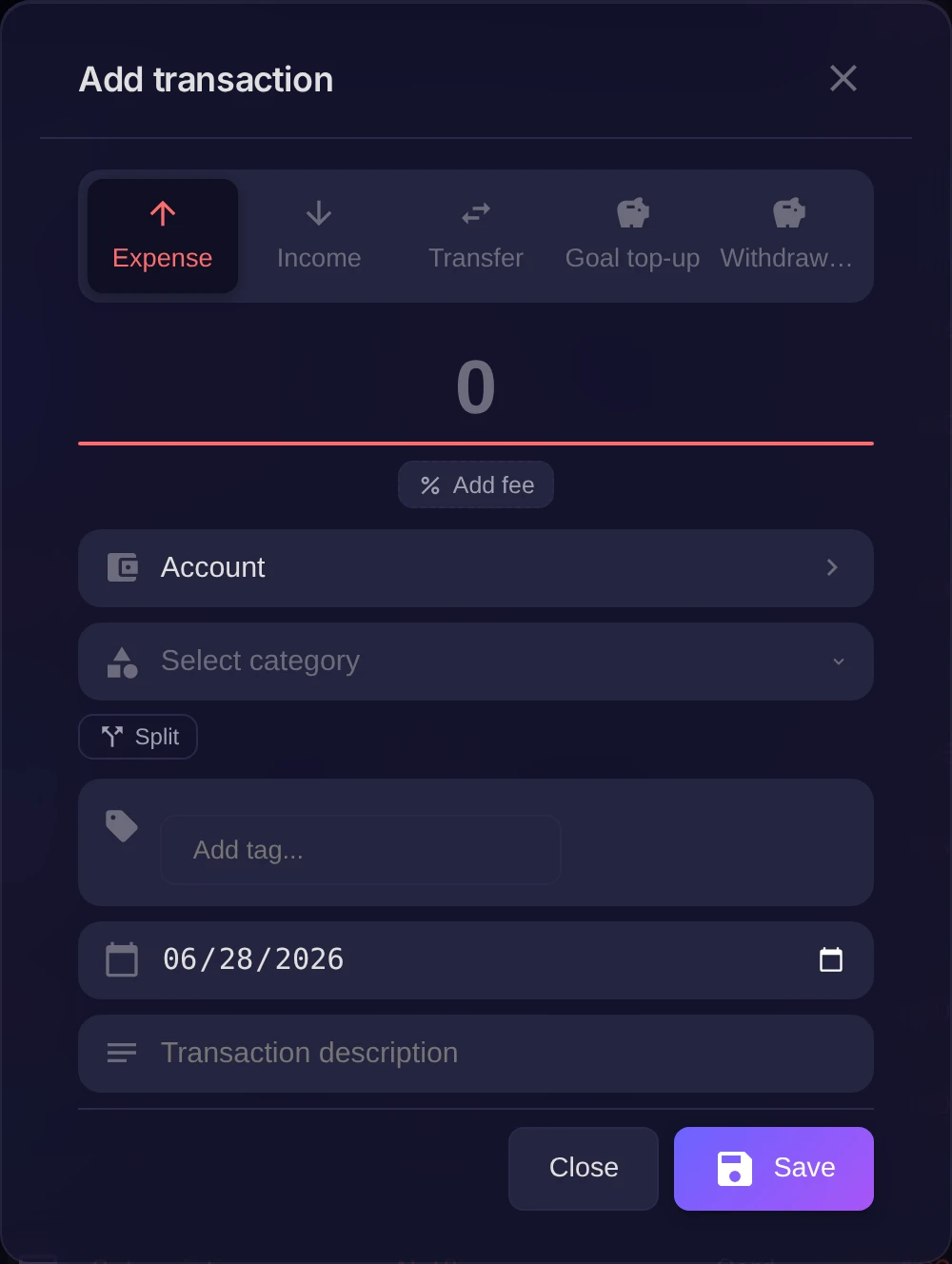
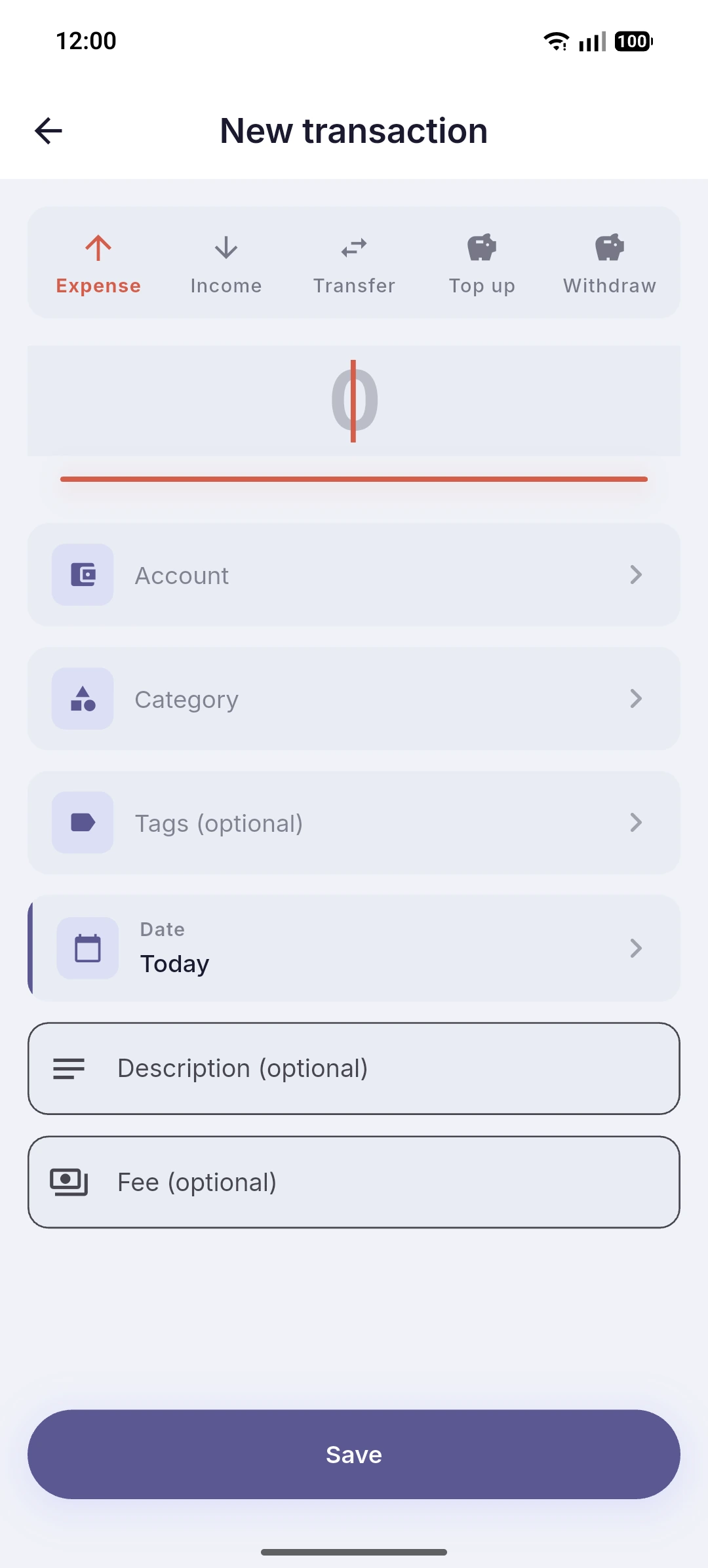
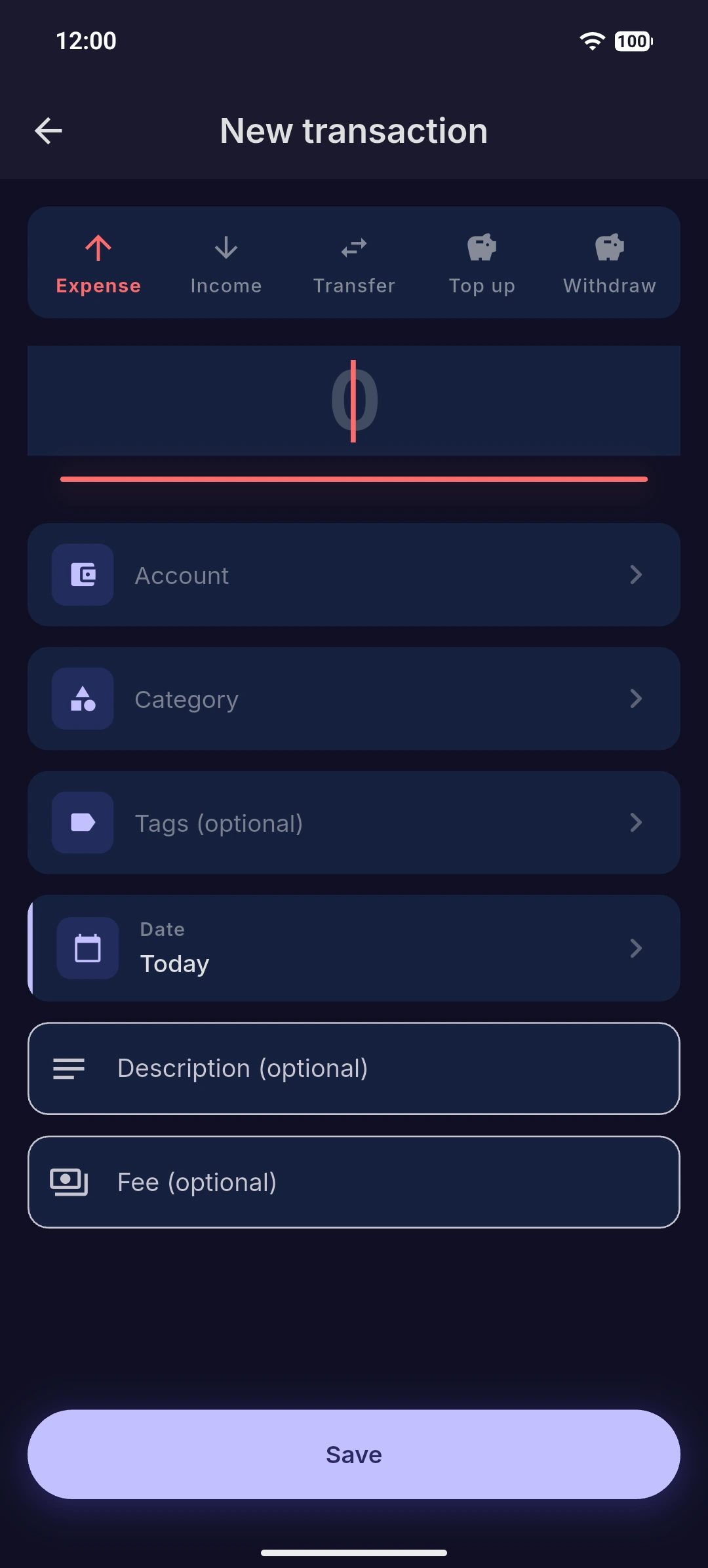
Open Operations and press Add to open the Add transaction form. First choose the type:
- Expense — money leaving an account.
- Income — money coming in.
There is also a third type, Transfer, for moving money between your own accounts — it is covered in a separate article. Now fill in the details:
- Amount — how much.
- Category — what it was for, such as groceries or salary.
- Account — which account it affects.
- Date — when it happened.
Optionally add a Description and Tags to find it later. Press Save.
Result
The transaction appears in the list, the account balance updates, and the totals on the dashboard reflect it right away.