

A transfer moves money between your own accounts — for example, from a card to cash. It is neither income nor an expense, so it does not distort your statistics.
Make a transfer
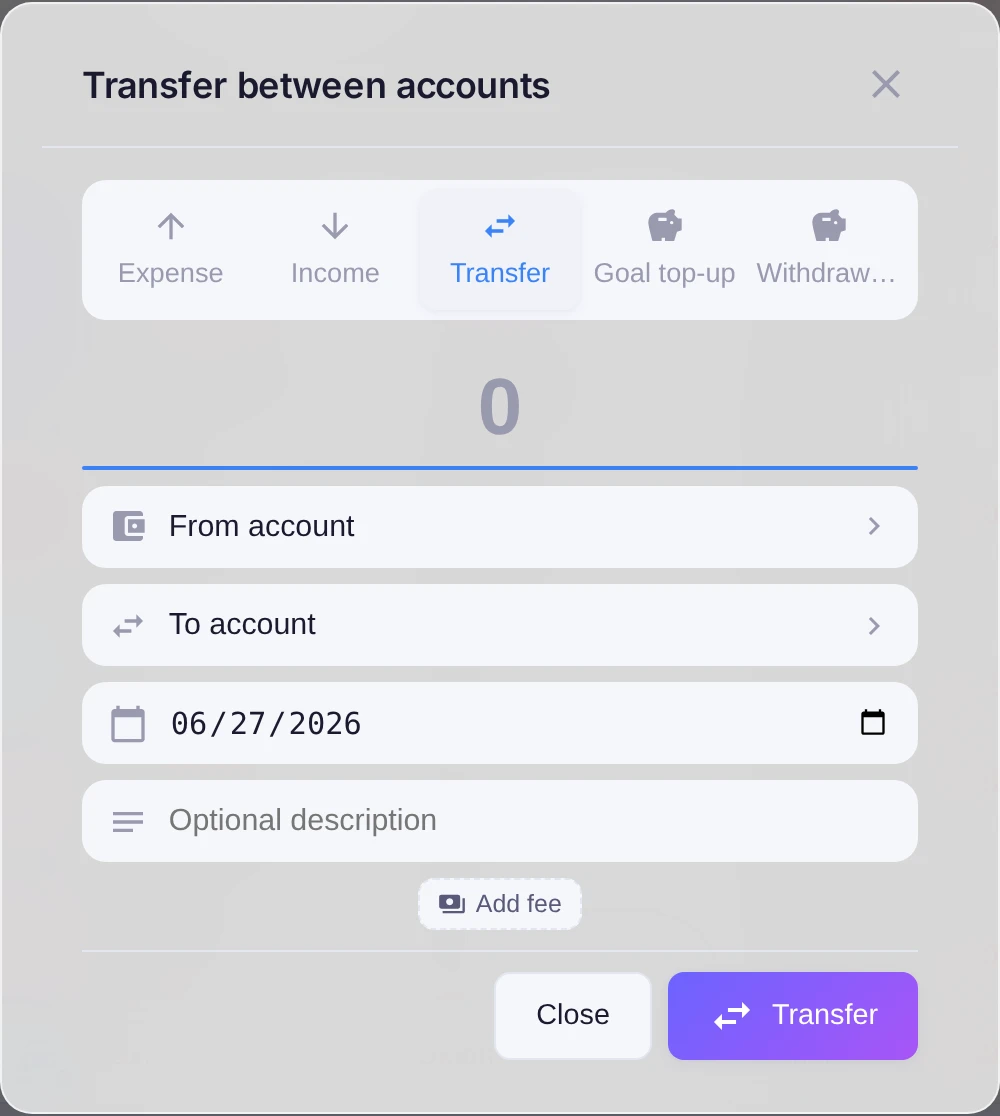
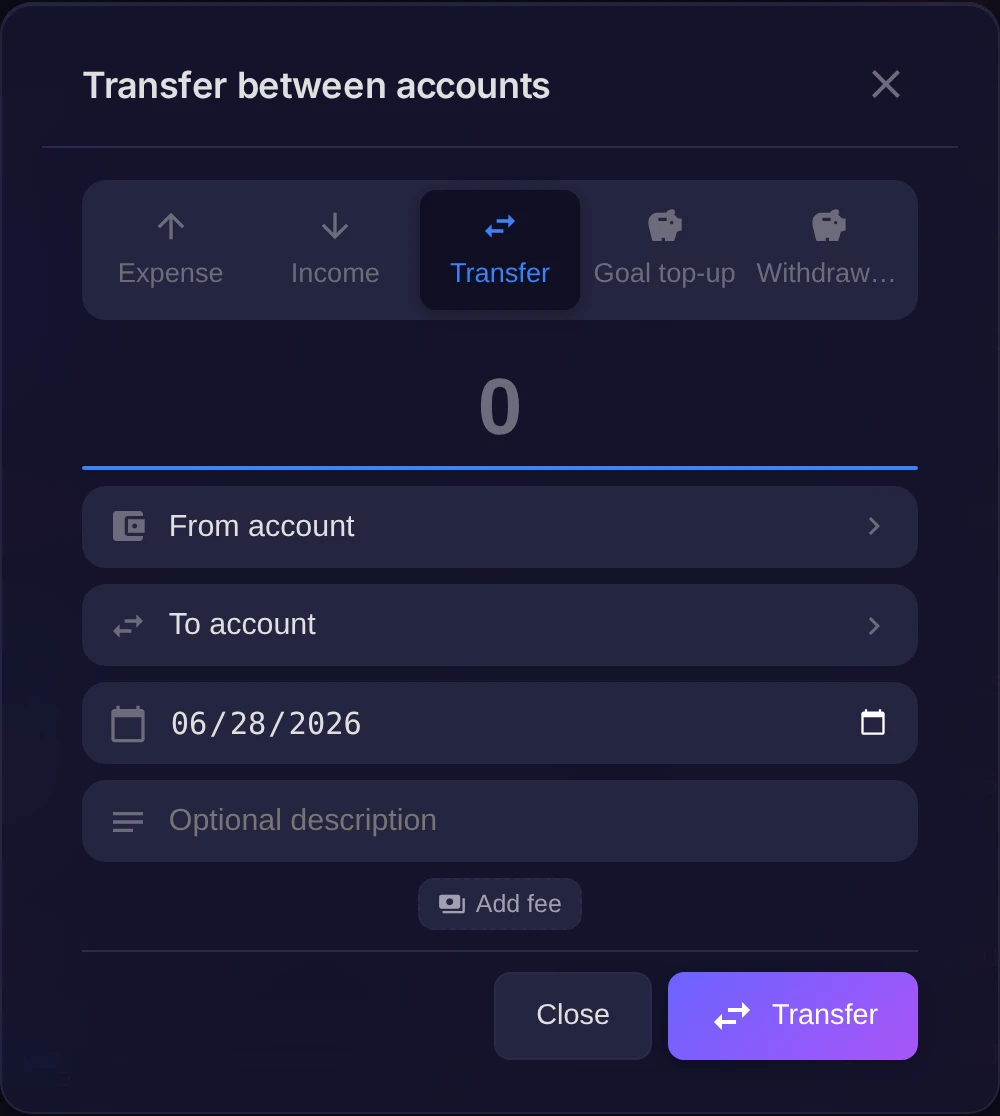
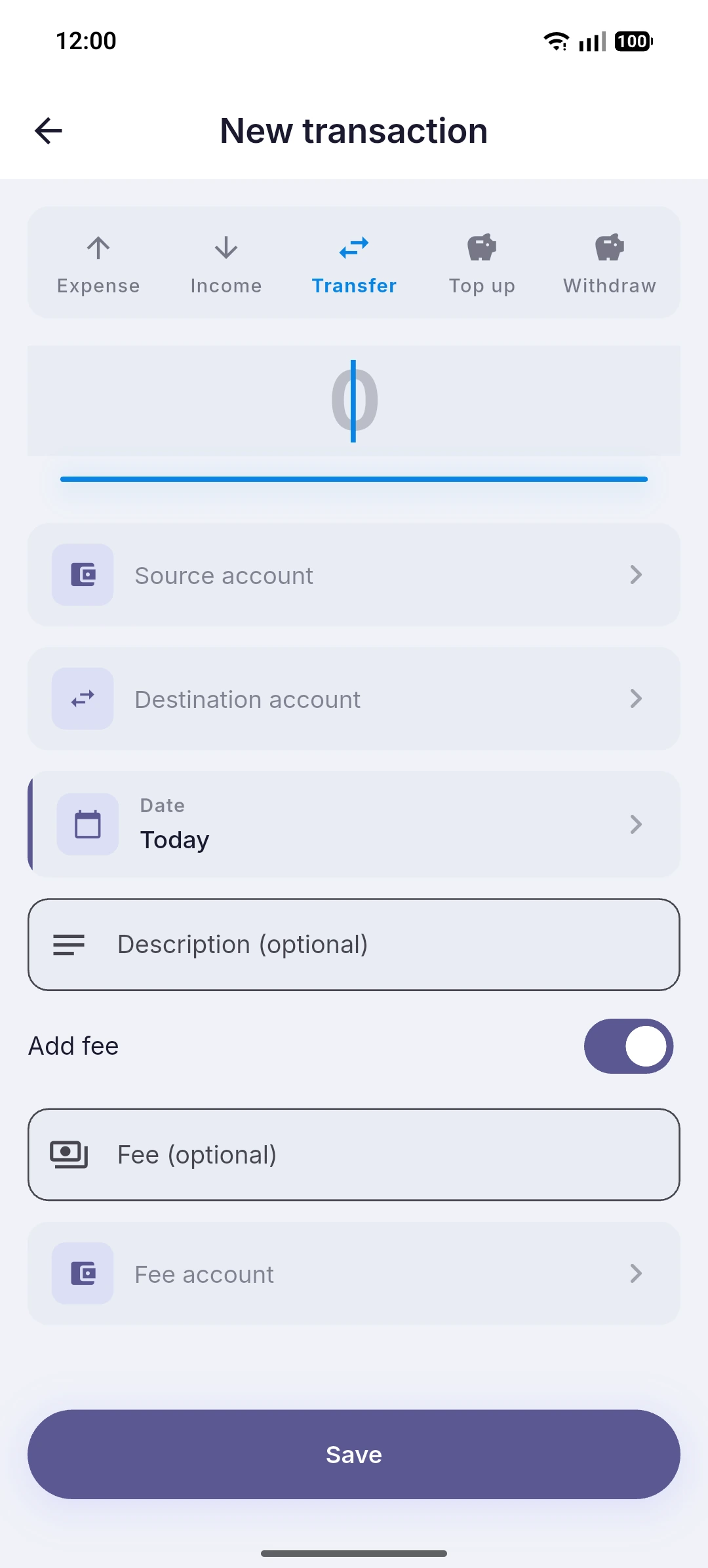
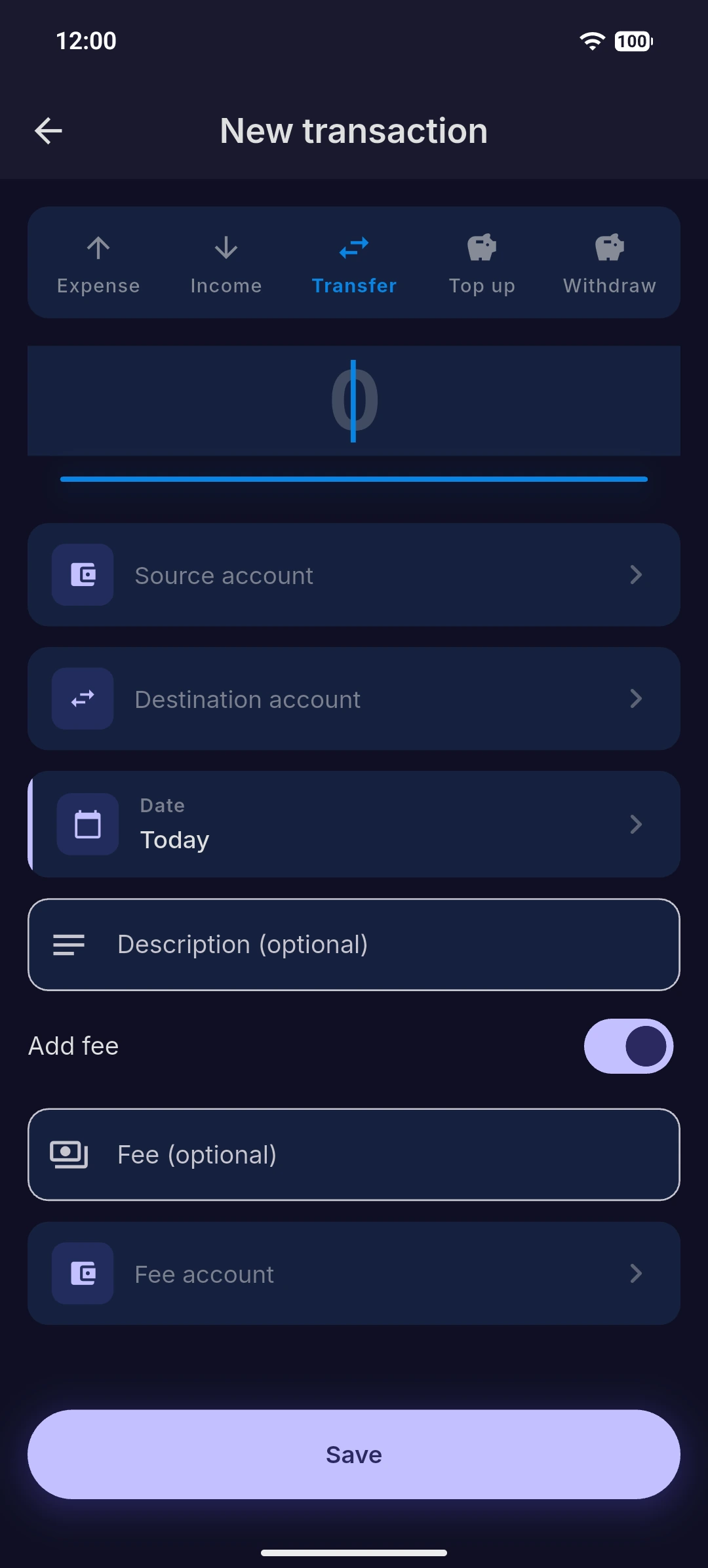
In the transaction form choose the Transfer type, then set:
- From account — where the money leaves.
- To account — where it arrives.
- Amount — how much you move.
If the bank charged a fee for the transfer, fill in the Fee field. The fee is recorded as a separate expense, so the moved amount stays clean while the cost is still tracked.
Good to know
Both accounts must use the same currency — a transfer between different currencies is a separate case. Because a transfer only relocates money you already have, it leaves your income and expense totals untouched and simply keeps each account's balance correct.