

Two ways the app locks
You can lock Purple Wallet in two ways: yourself, in a moment, or automatically after a period of inactivity. Either way the screen is hidden and your PIN brings it back. Both need a PIN, so set one first — see App PIN.
Lock it yourself
When you need to hide your finances right away:
- Press the lock button in the sidebar.
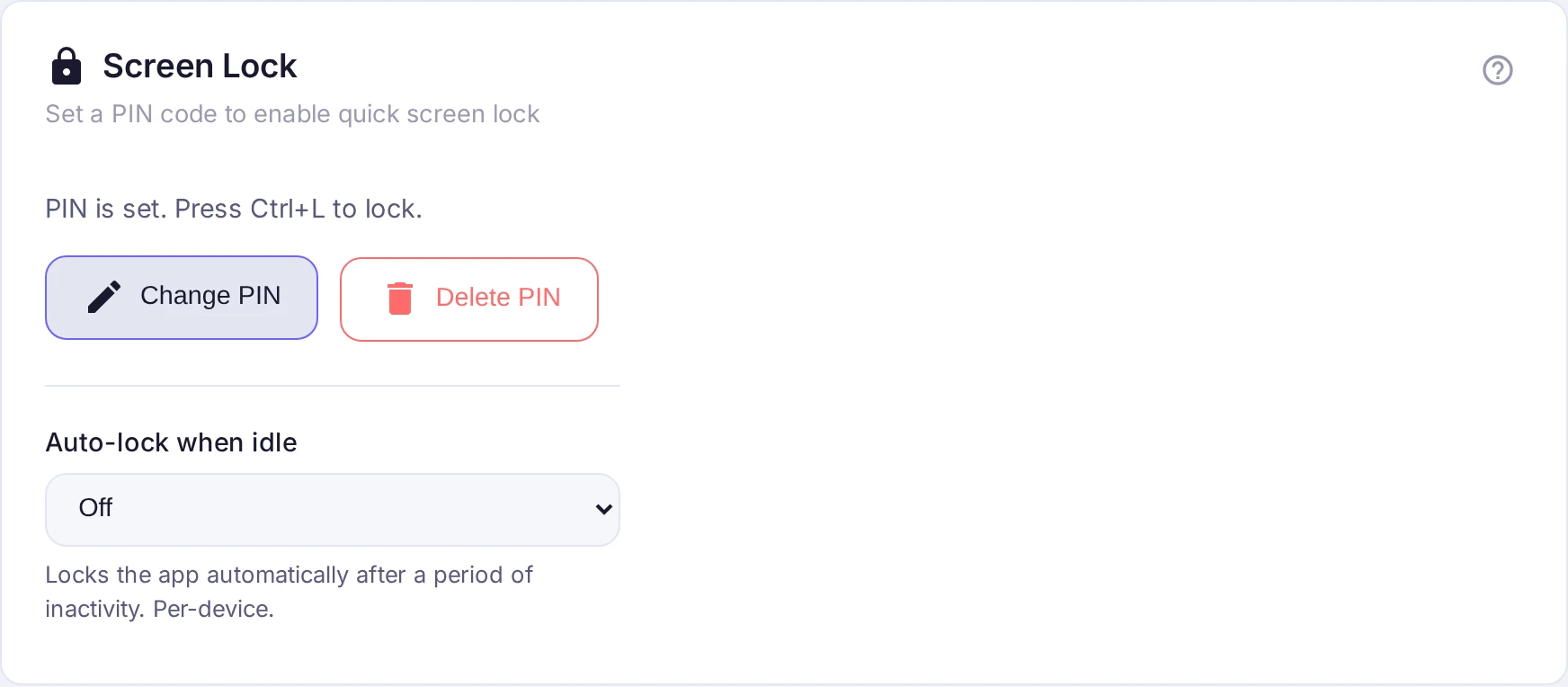
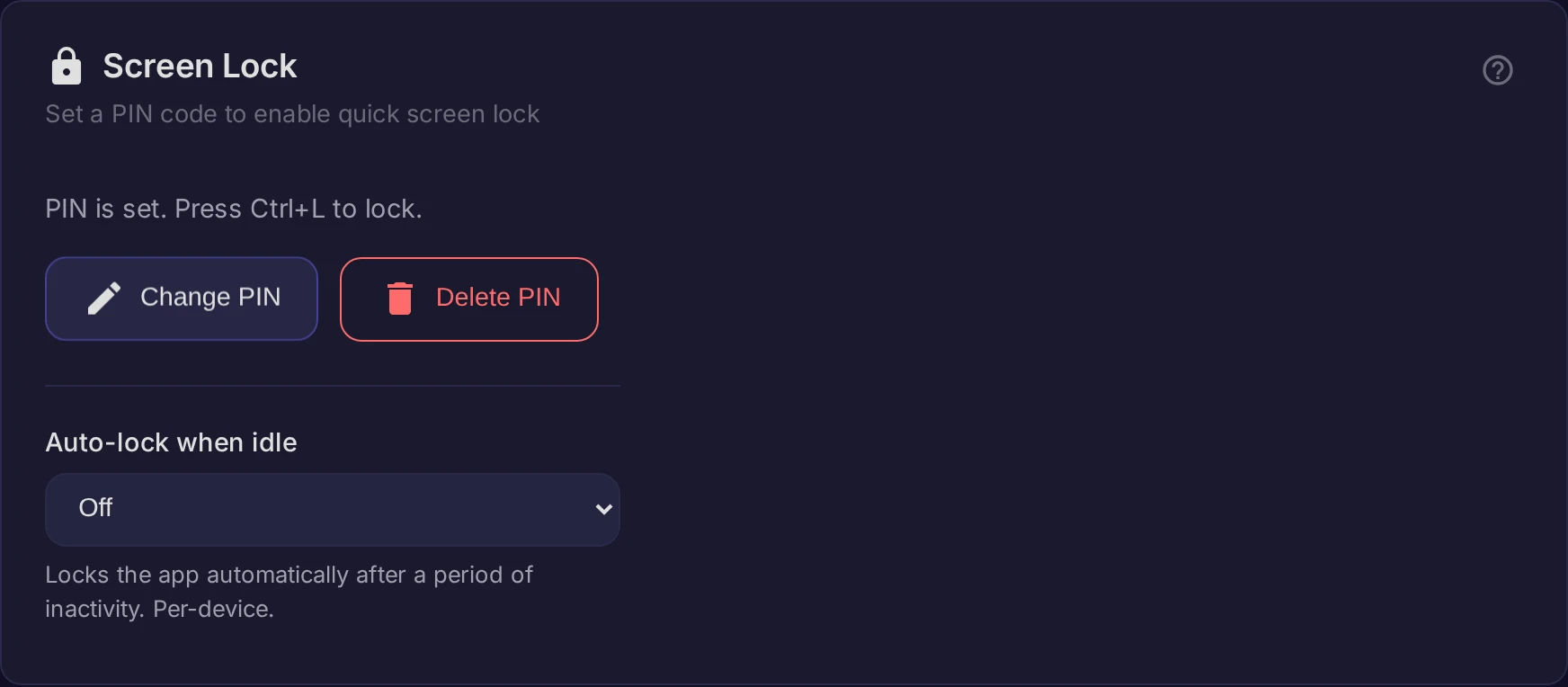
- On the web app you can also press Ctrl+L.
Lock automatically when idle
On the web, open Settings → Screen Lock and set Auto-lock when idle — Off, or after 1, 5, 15, 30 minutes or 1 hour. It's off by default; turning it on is up to you. The timer follows your activity in the app: if you're working in any open tab you stay unlocked everywhere, and the app locks only once you've been idle the whole time.
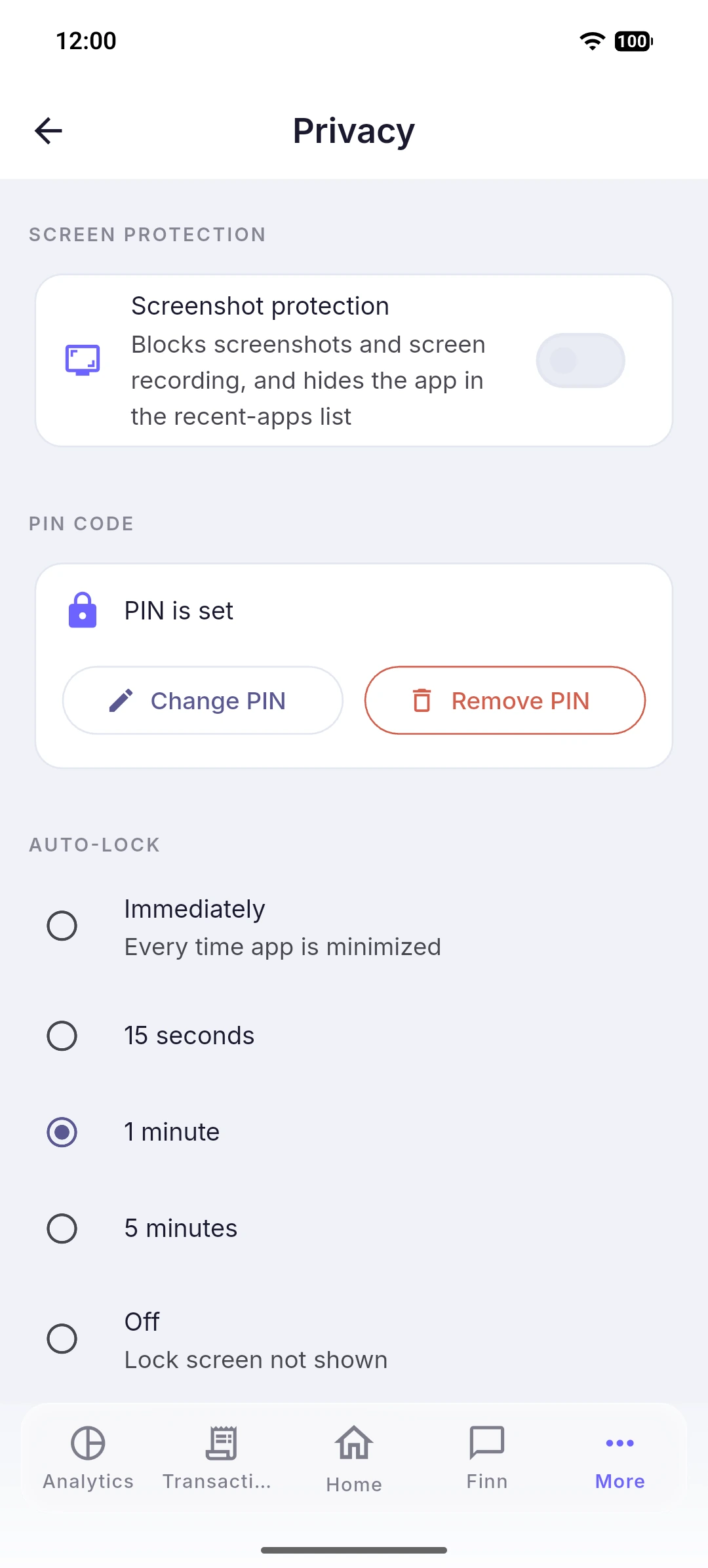
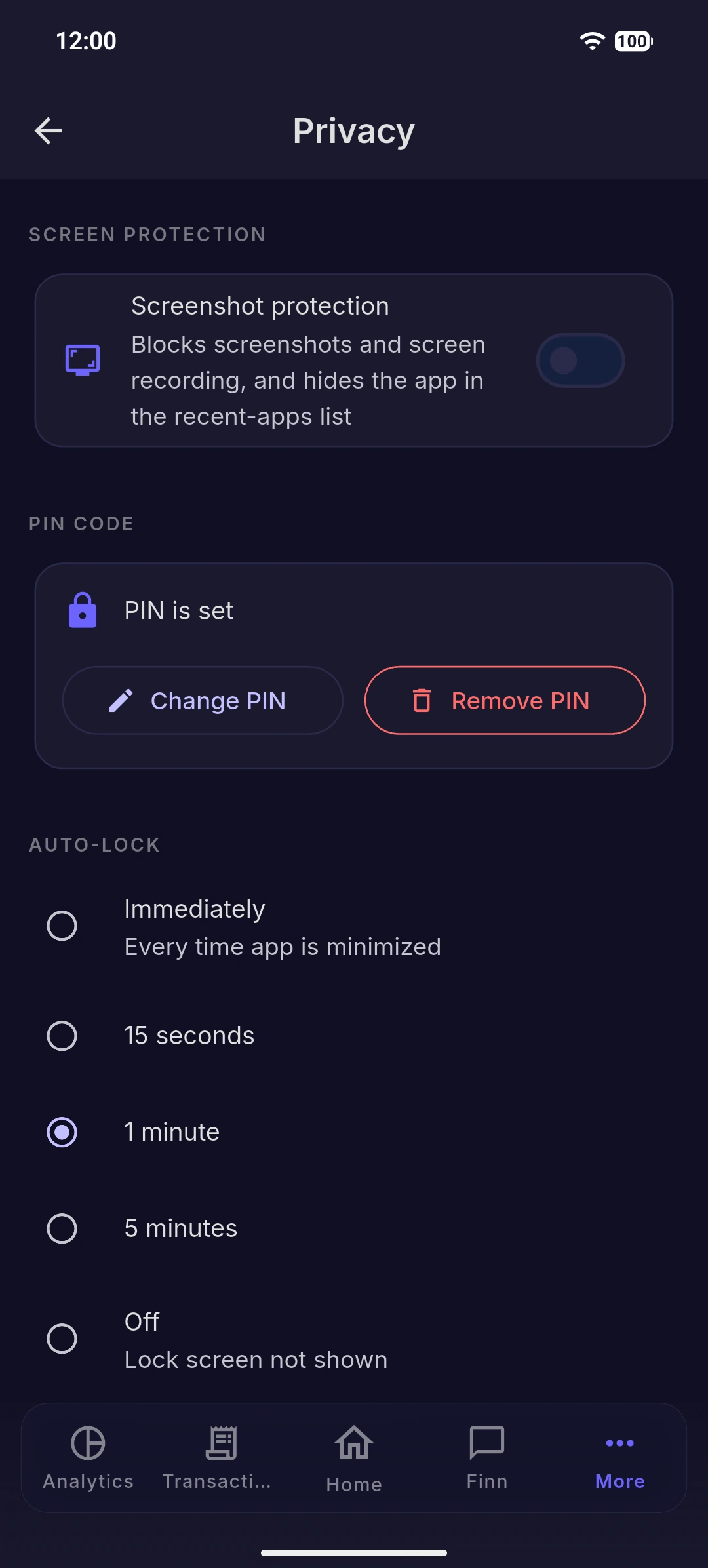
On the phone, the app locks itself after a short idle time — 15 seconds, 1 minute or 5 minutes (15 seconds by default). You'll find this on the Privacy screen, where you can also turn on unlocking by fingerprint or face. On Android the app additionally keeps your finances out of screenshots and the app switcher; on iPhone that isn't available yet.
Coming back
To unlock, enter your PIN. On the phone, your fingerprint or face works too if you turned it on. Everything reloads and you carry on where you left off — while the app is locked, your data stays hidden and isn't loaded in the background.
Forgot your PIN?
On the lock screen, tap Forgot PIN code and confirm it's really you:
- If you sign in with a password, enter your account password.
- If you registered with Google, sign in with the same Google account — signing in with a different one won't remove the lock.
- On the phone, your fingerprint or face also gets you back in if you set it up.
Once you're back in, you can set a new PIN. The lock PIN is not your account password — they're separate, and forgetting the PIN never changes your account password.
If you mistype the PIN
After several wrong attempts in a row, unlocking pauses for a short while before you can try again. That's a guard against someone guessing — just wait it out and enter the right PIN.